

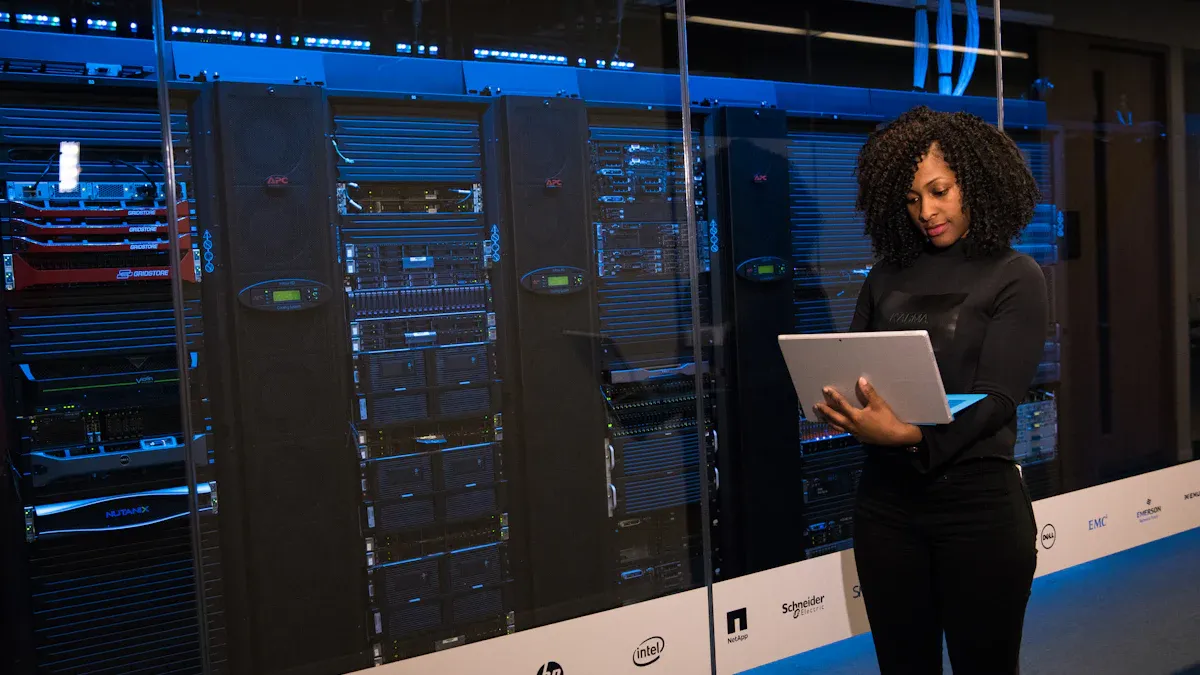
I understand power failures cause many data center outages, with reports showing they are behind almost half of all incidents. A robust Load monitoring PDU solution gives me real-time power insights at each Rack. This helps me proactively manage my electrical infrastructure. I prevent overloads, optimize capacity, and enhance operational efficiency with a good Power monitoring PDU. Our Metered PDU with a PDU with current meter provides precise measurements. As a leading Metered rack PDU manufacturer, we offer a Data center metered PDU with a clear Rack PDU with display for immediate data access.
Key Takeaways
- PDU load monitoring helps prevent power overloads and costly downtime in data centers. It gives real-time power information.
- These systems help you use power better and save money. They also make your data center more friendly to the environment.
- Advanced PDU solutions offer features like remote control and detailed data. This helps you plan for the future and keep your data center running well.
Why Data Center PDU Load Monitoring is Essential
I know you want to keep your data center running smoothly. That’s why understanding why Load monitoring PDU solutions are so important is key. They help me tackle big challenges, from preventing costly outages to making sure I use every bit of power efficiently.
Preventing Overloads and Critical Downtime
I’ve seen firsthand how quickly things can go wrong in a data center. Power overloads are a major headache, and they often lead to critical downtime. Why do they happen? Well, sometimes it’s just human error. I’ve learned that mistakes during setup or maintenance can easily overload a circuit. Also, choosing the wrong power equipment, like a UPS that doesn’t match the servers, can cause big problems. It’s like trying to fit a square peg in a round hole – it just doesn’t work.
I also know that putting too much load on one single point, like a single PDU, is a recipe for disaster. If that one point fails, everything connected to it goes down. And PDU issues themselves are a big cause of outages. They can be faulty, or maybe the load isn’t balanced right. This leads to overheating and inconsistent power. Circuit overloading is another common culprit. It happens when I underestimate power needs or distribute the load poorly. This can trip breakers and damage hardware.
When I use a Power monitoring PDU, I get real-time data. This helps me spot potential overloads before they become a problem. Trust me, preventing downtime is crucial. I’ve heard that a single minute of data center downtime can cost an enterprise thousands of dollars. For big companies, severe outages can easily cost over a million dollars an hour! That’s a huge financial hit, and it affects not just my operations but also the businesses that rely on my services.
Optimizing Power Capacity and Utilization
I often find that data centers have a lot of unused power capacity. It’s like having a huge car but only using a fraction of its engine power. Many facilities only use about 20-30% of their actual server capacity. This means a lot of power goes to waste, especially if I don’t have good monitoring in place. I call some of these “zombie servers” – they’re consuming power but not doing any useful work.
With intelligent and metered PDUs, I can track power consumption precisely, right down to the unit or outlet level. This real-time data helps me understand exactly how much power I’m using. It allows me to make smart decisions about how to distribute power effectively. By knowing my actual power usage, I can optimize my existing capacity. This prevents situations that would otherwise reduce my available power. It helps me avoid wasting valuable resources.
Improving Energy Efficiency and Sustainability
Optimizing power capacity isn’t just about saving money; it’s also about being more energy-efficient and sustainable. When I identify and eliminate wasted power, I reduce my overall energy consumption. This means a smaller carbon footprint, which is good for the environment.
By using a Load monitoring PDU, I can pinpoint those “zombie servers” and other inefficient equipment. I can then take action to either power them down or reallocate their resources. This proactive approach helps me run a leaner, greener data center. It’s a win-win: I save on energy costs, and I contribute to a more sustainable future.
Enhancing Operational Visibility and Control
I believe that you can’t manage what you don’t measure. PDU load monitoring systems give me incredible visibility into my power infrastructure. I can monitor live power usage across racks, rows, and even entire facilities. This helps me understand energy consumption patterns and spot anything unusual before it becomes a risk.
These systems allow me to track energy trends over time and detect sudden spikes in consumption. I can also integrate this data with my DCIM (Data Center Infrastructure Management) systems. This integration feeds continuous power data into my broader energy efficiency initiatives. It turns raw power numbers into actionable insights. This means I can make more informed decisions about infrastructure upgrades, where to place workloads, and how to meet my sustainability goals. Whether I need overall rack consumption or granular outlet-level insight, these systems provide it. For facilities with limited staff or remote locations, remote monitoring and control really cut down on response times and operational costs.
Facilitating Accurate Capacity Planning
Planning for the future is essential in a data center. I need to know if I have enough power, cooling, and space for new equipment. Without accurate data, I’m just guessing, and that can lead to bottlenecks or wasted resources.
PDU load monitoring provides me with the critical data points I need for accurate capacity planning. I can track power and HVAC usage, efficiency, and even floor and rack space. I also get historical data on utilization and consumption. This helps me forecast future power and cooling requirements. It also helps me understand my spare capacity. DCIM systems, fed by PDU monitoring data, are key here. They give me early warnings about capacity limits and help me use advanced forecasting tools. This ensures I can grow my data center without hitting unexpected power walls.
Key Features of an Effective Power Monitoring PDU Solution
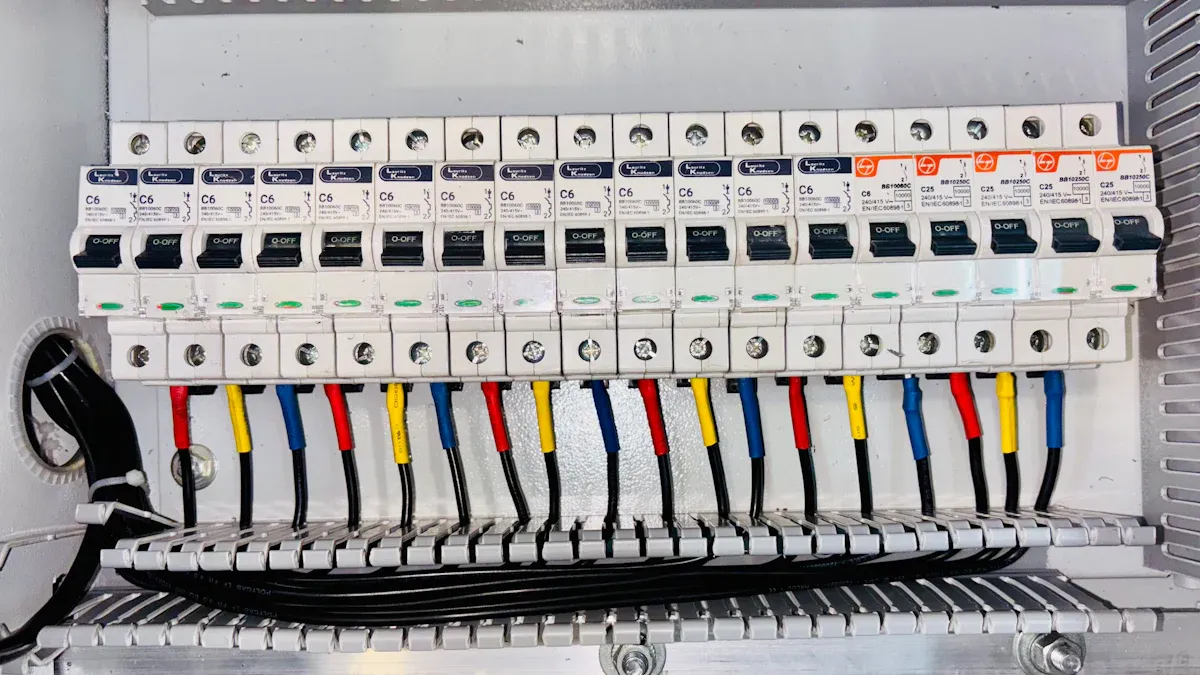
I know you want the best for your data center. So, when I look for a Power monitoring PDU solution, I focus on specific features. These features help me keep things running smoothly and efficiently. They give me the control and insight I need.
Real-time Current, Voltage, and Power Monitoring
I need to see what’s happening with my power right now. Real-time monitoring is like having a constant pulse check on my electrical system. It shows me the current, voltage, and power consumption for each rack. This immediate feedback helps me understand my power usage patterns. I can quickly spot any unusual spikes or drops. This helps me react fast to potential issues. It also helps me make smart decisions about where to put new equipment.
Configurable Threshold Alarms and Notifications
I can’t watch everything all the time. That’s why configurable alarms are so important. I set specific limits for current, voltage, and power. If these limits are crossed, the system sends me an alert. This means I get a notification before a small problem becomes a big one.
Tip: Setting up these alarms is crucial for preventing power issues.
- Current (A): I monitor current at the rack. This keeps it within safe limits. It prevents circuit breaker trips. For three-phase systems, I track load across all phases. This ensures balanced power distribution. It also extends equipment life.
- Voltage (V): I track voltage at the rack. This ensures it stays within acceptable ranges. Both too much or too little voltage can harm sensitive equipment. Stable voltage is vital for reliable data center operations.
- Active Power (W): This measures the real-time power consumption of devices connected to the rack PDU. Understanding actual power needs is essential for accurate capacity management. It helps me avoid overloads.
- Thresholds and Alerts: I set warning and critical thresholds. I set them for rack, inlet, and circuit breaker loads. I also set them for three-phase balance. This generates alerts when limits are exceeded. These alerts allow for immediate investigation. I can resolve issues like overloaded circuits before they cause serious problems or downtime.
Historical Data Logging and Reporting for Analysis
Looking back at past data helps me plan for the future. Historical data logging records all the power information over time. I can then generate reports. These reports show me trends and patterns.
Benefits of Historical Data:
- Detailed energy consumption data from historical logs helps me identify inefficiencies. I can then optimize power usage.
- This optimization can lead to significant operational cost reductions.
- Historical data supports practices like redistributing workloads. This helps balance power demands.
- It facilitates the implementation of charge-back models. This allows for accurate cost allocation. It also promotes accountability and energy-saving behaviors.
- Logs of essential metrics (current, wattage, voltage, frequency, peak loads, power factors, and overall energy consumption) aid in analyzing trends. They help me troubleshoot issues. They also help me verify incidents. This ensures precise power management and operational efficiency.
- Historical data logging enables trend analysis. This allows me to identify patterns. I can optimize load balancing. I can also plan for future capacity in my data centers.
Remote Access and Management Capabilities
I often need to check on my data center when I’m not physically there. Remote access lets me do this. I can monitor and manage my PDUs from anywhere. This saves me time and travel. It also means I can respond quickly to alerts, even if I’m off-site.
Secure access through an HTTPS web interface is essential for remote power management. This is especially true when I follow public sector security protocols for data integrity.
Key Security Protocols for Remote Access:
- HTTPS for Secure Web Access: This encrypts communication between my browser and the PDU. It safeguards sensitive data like login credentials and configuration changes. This reduces the risk of interception.
- SNMP v3 Configuration: This enhances power monitoring and remote management. It allows secure tracking and management of the PDU. It requires community strings or authentication details.
- Regular Firmware Updates: These are critical for maintaining security. They patch vulnerabilities and improve compatibility. This strengthens defenses against emerging threats.
- Strong Password Policies: These are essential for securing remote access. They include requirements for minimum length and character types. They forbid past passwords. They force changes for default passwords. They also require periodic password expiration.
- Firewall with IP-Based Access Control Lists (IP ACL): This controls network traffic to and from PDUs based on IP addresses. It prevents unauthorized access.
- Role-Based Access Control (RBAC): This allows access to PDUs based on individual user roles. It enhances security by limiting privileges.
- Defense-in-Depth Strategies: This includes blocking access after repeated failed login attempts. It times out inactive sessions. It limits concurrent logins. It also enforces service agreement warnings.
- X.509 Digital Certificates: These ensure authorized users for secure connections (TLS). They protect against man-in-the-middle attacks. They support both CA certificates (RSA or ECDSA keys) and self-signed certificates.
- Encryption Protocols: These ensure all data sent or received by PDUs is encrypted. This includes HTTPS (TLS 1.2/1.3 with AES 128/256-bit ciphers), SSH (public key authentication), and SNMP v3 (encrypted with MD5/SHA1/SHA-224/SHA-256/SHA-384/SHA-512 and DES/AES-128/AES-192/AES-256).
Seamless Integration with DCIM Systems
My data center has many different systems. I need them to work together. An effective PDU solution integrates seamlessly with my DCIM (Data Center Infrastructure Management) systems. This means all my power data flows into one central platform. I get a complete picture of my infrastructure.
How PDUs Integrate with DCIM:
- Intelligent PDUs ideally need to communicate with DCIM systems through universal APIs.
- Examples of such universal APIs include Redfish, JSON-ROC, or SNMP.
- DCIM solutions include enterprise-class monitoring components. These can accommodate intelligent rack PDUs, floor PDUs, and other power infrastructure.
- They offer integration tools such as APIs for third-party systems. This includes CMDBs and ticketing systems.
- DCIM architecture should be flexible. It should leverage and integrate with existing data (e.g., CMDB, BMS) and tools like service desk and reporting systems.
Granular Outlet-level Monitoring Options
Sometimes, I need to know exactly how much power each individual device is using. Granular outlet-level monitoring gives me this detail. It’s more precise than just looking at the total power for a whole rack. Per-outlet metering offers insight into the power draw at each individual node. This provides a level of detail not available with aggregate monitoring.
Granular vs. Aggregate Monitoring:
- Granular Outlet-Level Monitoring (Metered PDUs):
- Provides precise power consumption data for each individual connected device.
- Enables accurate billing and chargeback mechanisms based on actual power usage.
- Helps me identify power-hungry or underutilized devices. I can then replace them or reallocate their workload.
- It is instrumental in improving Power Usage Effectiveness (PUE). It allows measurement at the input of IT equipment.
- Aggregate Rack-Level Monitoring (Monitored PDUs):
- Continuously tracks the total current draw across all connected devices within a rack.
- Provides a clear picture of the overall power load. This helps me prevent overloads.
- It lacks device-specific detail. This makes it less effective for identifying individual inefficient devices or precise billing.
Understanding Types of Metered PDU Solutions
I know choosing the right PDU can feel a bit overwhelming. There are different types, and each one offers unique features. Let me break down the main kinds of Metered PDU solutions I often see. This helps me pick the best fit for my data center’s needs.
Basic Metered PDU for Aggregate Load Display
This is where it all starts. A basic metered PDU gives me a local display, usually right on the unit. I can walk up to the rack and see the total power draw for everything plugged into that PDU. It’s great for quick checks and making sure I don’t overload a circuit right there at the rack. It shows me the aggregate load, which means the total power used by all devices.
Monitored PDU with Current Meter for Remote Insights
Moving up a step, a monitored PDU with a current meter offers more. I can still see the local display, but now I also get remote access. This means I can check power usage from my desk or even off-site. It sends me data on current, voltage, and power. This helps me keep an eye on things without being physically present. It’s perfect for getting those remote insights into my power consumption.
Switched PDU with Monitoring for Remote Control
Now, this is where I get more control. A switched PDU combines all the monitoring features with the ability to remotely turn individual outlets on or off. I find this incredibly useful. For example, if a server freezes, I can remotely power cycle it without going to the data center. Monitored PDUs primarily focus on observing power usage, checking voltage, current, and energy. Switched PDUs, however, offer additional control. They let me remotely activate or deactivate outlets. This enables remote equipment restarts or power cuts to unused devices.
Intelligent Rack PDU with Display and Advanced Features
This is the top tier for me. An intelligent rack PDU with a display gives me everything. It has a rich, color matrix LCD display right on the unit. This display shows every voltage, amperage, and energy reading. It also shows all alarms and configuration settings in high resolution. Local control buttons make onsite menu navigation easy. Beyond that, these PDUs offer advanced monitoring capabilities. This includes outlet-level data and environmental sensors. I also get:
- Accurate (±0.5% metering accuracy) insights for capacity planning and troubleshooting.
- Monitoring of total harmonic distortion events.
- Detection of voltage dips and swells.
- Measurement of crest factor.
- Identification of power interruptions at the rack PDU power inlet, circuit breakers, and outlets.
These features give me a complete picture and ultimate control.
Implementing a Load Monitoring PDU: Best Practices
I know getting a Load monitoring PDU up and running effectively takes some planning. I always follow a few best practices to make sure I get the most out of my investment.
Assessing Current Data Center Infrastructure
First, I look at my current data center setup. I need to understand my existing power usage and where my equipment sits. This helps me see any weak spots or areas where I might be wasting power. It’s like taking inventory before a big project.
Defining Specific Monitoring Requirements
Next, I figure out exactly what I need to monitor. I want to see current, voltage, and similar parameters at individual outlets. I also need to control power distribution, like turning equipment on or off remotely. Getting notifications about issues, like alarms, is super important. I also want to access real-time info through a web interface. Plus, I look for options like unit-level and outlet-level remote monitoring. This gives me granular views of power usage.
Choosing the Right Metered Rack PDU Manufacturer and Type
Choosing the right manufacturer and PDU type is a big step. I look for reliability and functionality. The PDU must measure, manage, and report energy usage in real-time. I also consider adaptability for future needs and my budget. Manufacturer support and warranty options are key too. I check for certifications and compliance, like UL 60950-1. I also assess their technical capabilities and performance metrics.
Ensuring Secure Network Integration
I make sure my PDU solutions integrate securely into my network. I regularly test failover mechanisms. I also conduct inspections and update firmware for network-enabled PDUs. It’s important to implement load balancing across dual power paths. I also set up alerts for power issues. Security features, like encrypted data transmission, are a must for me.
Setting Up Actionable Alarms and Reporting
Setting up good alarms and reports helps me stay on top of things. I want real-time insights into system performance. This helps me take quick action. I also look for features that provide comprehensive power-monitoring information. This includes input power and outlet-level power. Tailored insights and data visualization, like graphs, make it easier to understand complex data. Scheduled reports also ensure I get timely information.
Training Staff for Effective System Utilization
Finally, I make sure my team knows how to use the new system. I recommend training courses like “Power Distribution Unit (PDU) Configuration & Testing.” This helps my Smart Hands Technicians and Facilities Engineers. They learn to configure PDUs, perform diagnostics, and apply safety protocols. Prerequisites include electrical safety knowledge and basic power systems literacy.
Benefits of Advanced Data Center Metered PDU Solutions
I find that advanced PDU solutions bring many benefits. For example, a Metered PDU PDU with current meter Load monitoring PDU Data center metered PDU Rack PDU with display Metered rack PDU manufacturer Power monitoring PDU helps me achieve significant improvements.
Significant Cost Savings Through Efficiency
I see big cost savings with these solutions. My data shows an 18% cut in power use. This means I save about $120,000 each year. Managed PDUs help me do this. They make my operations much more efficient. I identify energy waste. I optimize consumption. This reduces my operational costs.
Enhanced Reliability and Uptime Assurance
I get real-time insights into energy use. This helps me see problems early. I get proactive alerts for potential issues. This prevents downtime. Smart PDUs help me monitor load distributions. I can catch issues before they get big. This stops power failures. Alarm thresholds prevent overloads. This reduces downtime. My uptime improves.
Simplified Compliance and Auditing Processes
Advanced PDU monitoring helps me meet important rules. I can follow the ’2025 data center density regulations’. These rules want me to be sustainable. They focus on less power use. My detailed monitoring helps me meet these standards. It also helps me with government and industry standards.
Improved Resource Allocation and Management
Intelligent PDUs give me real-time data. I see voltage, current, and power factor. This helps me use less energy. It also keeps my uptime high. I can balance loads. This makes power use up to 20% better. I can also save 10-15% on cooling costs. I do this by using environmental sensors. This helps me make smart choices.
Proactive Risk Mitigation for Power Infrastructure
I can avoid many risks. Advanced PDU monitoring helps me track energy precisely. This reduces my carbon footprint. It helps me meet environmental rules. I can use AI and IoT. This helps me predict failures. It optimizes power use. This helps me avoid operational risks. I can prevent inefficient power use. I also avoid problems from bad temperature or humidity.
I know implementing a robust PDU load monitoring solution is crucial for modern data centers. It gives me critical visibility and control for power optimization. This prevents costly downtime. It also ensures long-term efficiency and scalability. Advanced PDU solutions, with their real-time analytics and modular designs, are key for future growth. They support rapid infrastructure expansion and predictive maintenance.
FAQ
What is a metered PDU?
A metered PDU shows me the power usage for my rack. I can see current, voltage, and power right on a local display or remotely. It helps me track consumption.
Why do I need a load monitoring PDU?
I use it to prevent overloads and downtime. It helps me optimize power use and plan for future growth. This saves me money and keeps things running smoothly.
Can I control outlets remotely with these PDUs?
Yes, with a switched PDU, I can. I turn individual outlets on or off from anywhere. This lets me restart equipment or power down unused devices remotely.
Post time: Jan-19-2026


