

Introduction
Power planning in a data center becomes risky when rack-level consumption is hidden behind broad upstream readings. Metered PDUs solve that gap by showing exactly how much current each cabinet draws, making it easier to place equipment, avoid overloaded circuits, and use available capacity more efficiently. This visibility supports more accurate load balancing across racks and phases, reduces stranded power, and helps teams spot imbalance or overuse before it becomes an outage. The sections ahead explain how metered PDUs improve utilization, reveal phase-level risks early, and support safer, more predictable infrastructure decisions.
Why Metered PDUs Matter for Load Balancing
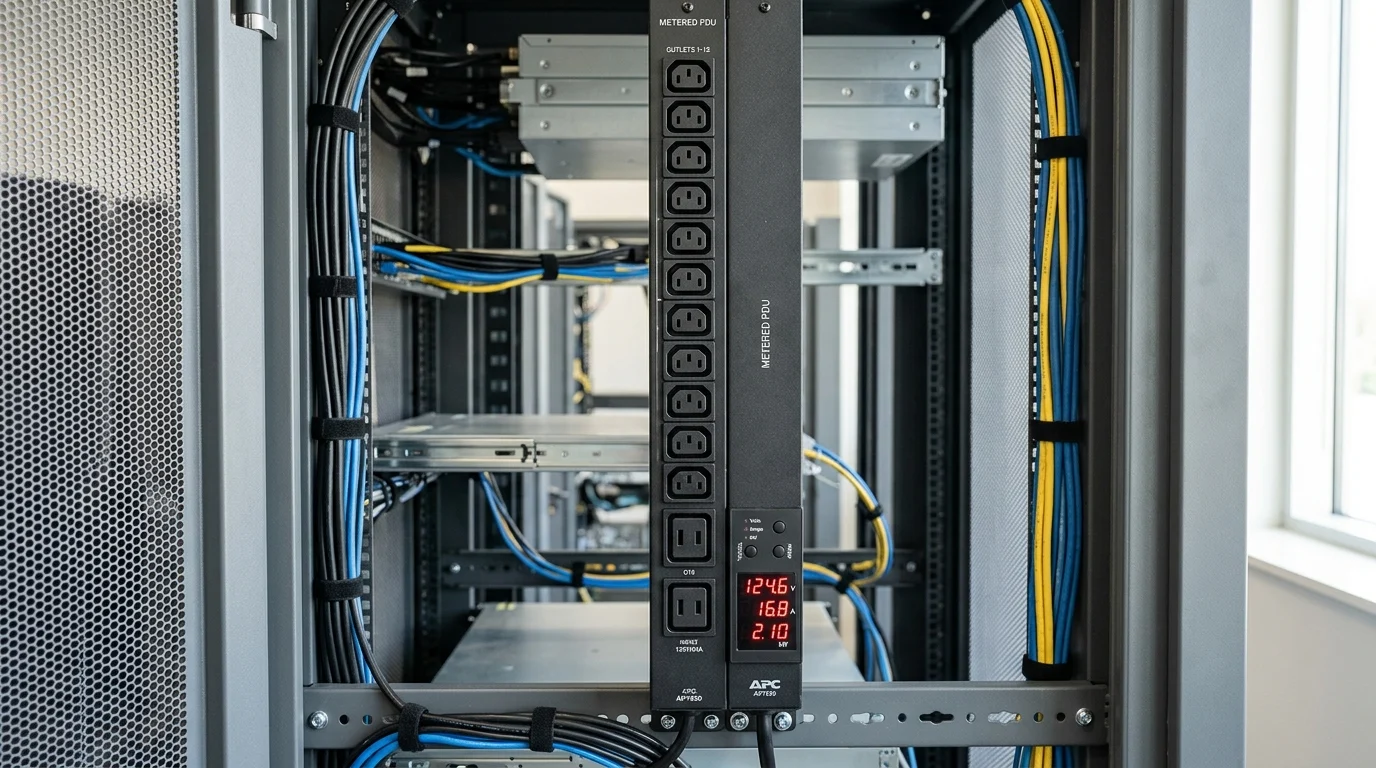
I’ve spent enough time in humming, freezing-cold data centers to know that guessing your power draw is a recipe for a 3 AM disaster. When optimizing infrastructure, the humble power strip is often overlooked. However, to dial in your Load Balancing, you need real, actionable data. Without it, facilities routinely sit on 15% to 20% stranded capacity simply because administrators are terrified of accidentally tripping a breaker.
Capacity visibility and utilization planning
A Metered PDU changes the game by providing a direct line of sight into power consumption right at the cabinet. Instead of relying on upstream UPS or branch circuit data—which blends multiple racks together and obscures local spikes—you get precise rack-level amperage readings. This visibility allows you to confidently load circuits up to the standard 80% continuous load threshold mandated by the NEC, eliminating the guesswork when servers spin up their fans under heavy compute loads.
Load imbalance risks they reveal early
When running three-phase power, load imbalances are not just an efficiency killer; they are an active threat to your infrastructure. Pulling heavily on L1 while ignoring L3 forces the neutral wire to take the hit. Phase imbalances exceeding 10% can cause harmonic distortion that degrades UPS efficiency by 2% to 3%. A local digital meter provides the immediate visual feedback needed to spot these lopsided loads before they escalate into a tripped 30A or 60A breaker.
What a Metered PDU Is

What exactly makes a PDU “metered” compared to a basic power strip pulled from a supply closet? In the simplest terms, it includes a built-in digital display that shows real-time electrical metrics. Think of it as the dashboard for your rack’s engine, providing vital signs before you make any physical changes.
Metered vs monitored vs switched PDUs
It is easy to get lost in the alphabet soup of PDU features. Here is a quick breakdown of how metered units stack up against the rest of the pack in terms of capabilities and typical cost multipliers.
| PDU Type | Local Display | Remote Network Access | Outlet-Level Control | Typical Cost Premium |
|---|---|---|---|---|
| Basic | No | No | No | 1.0x (Baseline) |
| Metered | Yes | Optional/Upgradable | No | 1.5x to 2.0x |
| Monitored | Yes | Yes (Built-in) | No | 2.5x to 3.0x |
| Switched | Yes | Yes | Yes | 3.5x to 4.0x |
For many data center operators, the metered option hits the sweet spot, providing essential visibility without the steep price tag of fully switched units.
Specifications that affect phase balance
When evaluating specifications, look closely at Phase Monitoring capabilities, especially in high-density 208V or 400V three-phase environments. A solid metered unit will not just show total draw; it will break down the amperage per phase. If deploying high-capacity 60A circuits, you should also look for alternating phase receptacles. Instead of grouping all L1 outlets at the top and L3 at the bottom, alternating them down the strip makes it incredibly simple to plug in dual-corded servers symmetrically and maintain phase balance.
How Metered PDUs Improve Daily Operations
Having a digital readout is fantastic, but it only matters if you use that data to run your floor more effectively. Integrating these units into your daily routine takes much of the stress out of managing Data Center Power. They allow administrators to make quick, informed decisions on the fly without having to log into a centralized management platform.
Rack and circuit metrics to monitor
The first metric to check when walking the aisle is the local amperage draw, though modern metered units often display voltage, active power (kW), and apparent power (kVA) as well. One metric you should never ignore is the Power Factor (PF). Ideally, you want a PF greater than 0.95. If the meter shows a lower number, your IT power supplies are drawing current inefficiently, meaning you are paying for power that isn’t actually being used for compute.
Using data for moves, adds, and changes
The real magic happens during MACs (Moves, Adds, and Changes). For example, if you need to rack a new 1.5kW database server without a local meter, you are left guessing whether the current 30A circuit can handle the spike. With a quick glance at the PDU, you might see the rack is only pulling 14 amps, leaving exactly 10 amps of safe headroom. This eliminates the “plug and pray” methodology that causes so many self-inflicted power outages during routine maintenance.
When a comparison table is useful
To truly optimize daily operations, it helps to understand how different hardware impacts your rack limits. Here is a baseline cheat sheet for planning deployments in a standard 10kW rack.
| IT Load Type | Typical Draw (Watts) | Peak Draw (Watts) | Phase Impact (3-Phase) |
|---|---|---|---|
| 1U Web Server | 250W | 350W | Low (Single phase typically) |
| 2U Storage Array | 600W | 850W | Moderate (Requires careful balancing) |
| 4U AI/GPU Node | 2500W | 3200W | High (Can skew phase balance quickly) |
| Network Switch | 150W | 200W | Minimal |
Keeping these rough numbers in mind while checking the meter ensures you never accidentally overload a single phase when racking new gear.
How to Choose the Right Metered PDU
When you are ready to execute an infrastructure upgrade, navigating the procurement process carefully is essential. Buying the cheapest option usually ends up costing more in the long run, but you also want to avoid overpaying for bells and whistles that won’t be utilized in your specific environment.
Metering, alarms, and network integration
You must decide if a local LED/LCD screen is sufficient or if an upgrade path is necessary. It is highly recommended to purchase a unit with a hot-swappable communication module. Even if you only use it as a standalone Network Power Strip today, the ability to snap in an SNMP/Modbus card later prevents a total rip-and-replace. Upgrading a basic strip to a smart one down the road can easily cost $300 to $500 in hardware alone per rack, not to mention the associated labor and forced downtime.
Compliance, power quality, and installation
Do not skimp on physical build quality and compliance ratings. Ensure the unit carries UL or CE certifications, depending on your region. Furthermore, pay close attention to the maximum operating temperature. Modern hot aisles can easily reach 100°F (38°C), so sourcing PDUs rated for at least 60°C (140°F) is critical to prevent premature thermal failure. Toolless mounting pegs are also highly beneficial, cutting physical installation time from 15 minutes per rack down to about two minutes.
Procurement and lifecycle cost trade-offs
When evaluating the total cost of ownership, a quality metered unit should offer a reliable lifespan of five to seven years, with a Mean Time Between Failures (MTBF) exceeding 100,000 hours. While you might pay a 50% premium over a basic strip upfront, the risk mitigation is substantial. Industry studies consistently show that a single minute of data center downtime averages around $9,000. If an overloaded phase trips a breaker because a $300 meter wasn’t there to provide a warning, the resulting downtime represents a terrible return on investment.
How to Decide and Deploy
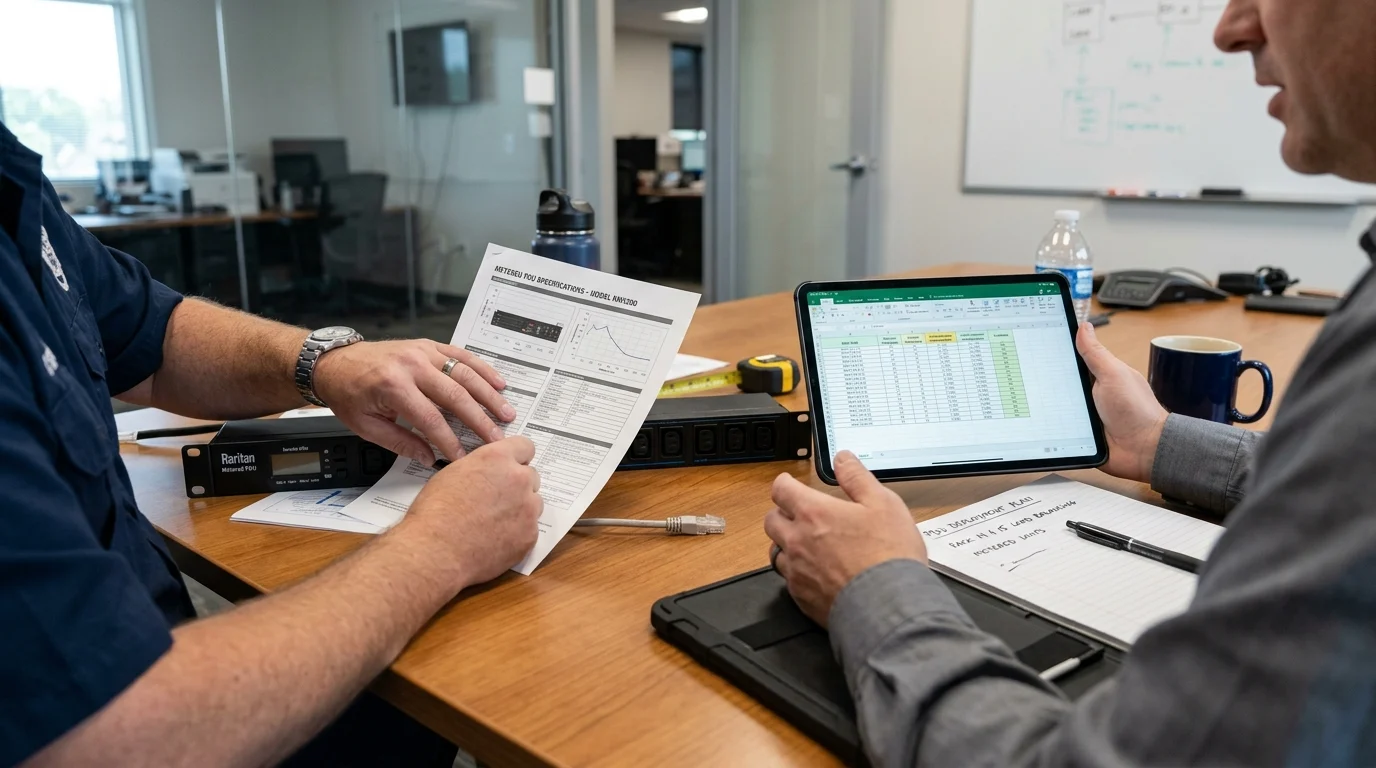
With the fundamentals covered, it is time to get these units into your racks and start balancing loads effectively. The rollout does not have to be painful if you follow a structured, phased approach.
Decision criteria for selecting the best fit
Your final decision criteria should be a simple checklist of physical and electrical specifications. Confirm your input voltage and plug type—commonly NEMA L6-30P in the US or IEC 309 internationally. Next, count your receptacles. A standard high-density mix frequently deployed includes twenty-four C13 outlets for standard 1U/2U servers and six C19 outlets for heavier blade chassis or core switches. As a general rule of thumb, always buy 20% more outlets than your current rack elevation requires.
Implementation steps for fast operational gains
Once the hardware arrives, deployment is straightforward. First, establish a baseline of your current loads before migrating any power cables. Second, mount the zero-U units securely in the rear of the cabinet using toolless brackets. Third, as you plug devices in, actively balance the loads across L1, L2, and L3, aiming for less than a 5% variance between phases. Finally, configure the visual LED alarms on the PDU to flash yellow when hitting 80% capacity. By the time the row is finished, you will have transformed a chaotic power infrastructure into a finely tuned, highly visible system.
Key Takeaways
- The most important conclusions and rationale for Metered PDU
- Specs, compliance, and risk checks worth validating before you commit
- Practical next steps and caveats readers can apply immediately
Frequently Asked Questions
What does a metered PDU show in a data center rack?
A metered PDU shows real-time rack power data, usually amperage and often voltage, kW, kVA, and power factor, helping you place equipment without guesswork.
How does a metered PDU help prevent breaker trips?
It lets you see actual rack load before adding servers, so you can stay near the 80% continuous load guideline instead of overloading a circuit.
Why is phase monitoring important in a three-phase metered PDU?
Per-phase readings help you spot imbalance early, redistribute loads, and reduce the risk of neutral stress, UPS inefficiency, and nuisance trips.
Is a metered PDU enough, or should I choose monitored or switched?
Choose metered when you need local visibility at lower cost. If you need remote access, use monitored; if you need outlet control, use switched.
What should I check when selecting a metered PDU from YOSUN?
Check input current, voltage, outlet type, per-phase metering, display visibility, rack form factor, and whether alternating phase outlets fit your load-balancing plan.
Post time: May-20-2026


