

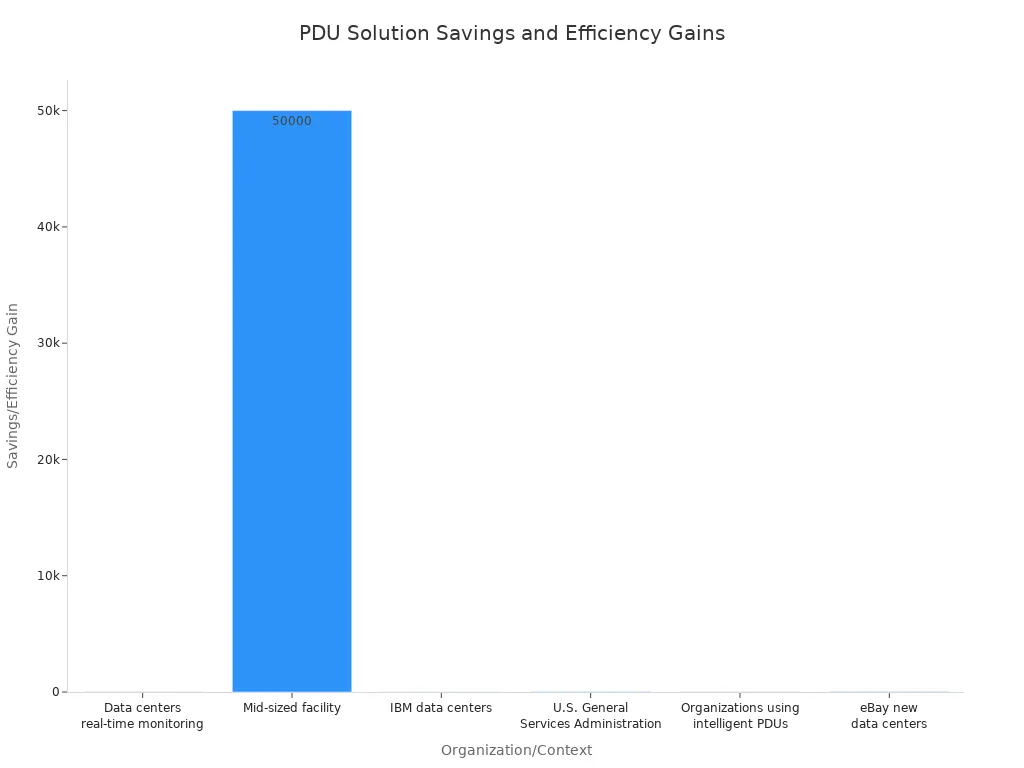
Hey there! Understanding the core differences between PDU types is key. From a simple PDU basic pdu to a smart one, each offers unique capabilities. Selecting the right PDU is critical for your infrastructure because it directly impacts efficiency and cost. I’ve seen how optimized PDU solutions lead to significant savings. For instance, many organizations have achieved substantial reductions in energy use and operating costs:
Key Takeaways
- Different PDU types offer various features, from basic power distribution to advanced monitoring and remote control.
- Choosing the right PDU helps save energy, lowers costs, and keeps your equipment running smoothly.
- Consider your power needs, outlet types, physical space, and future growth when selecting a PDU.
Understanding the PDU Basic PDU
What is a Basic PDU?
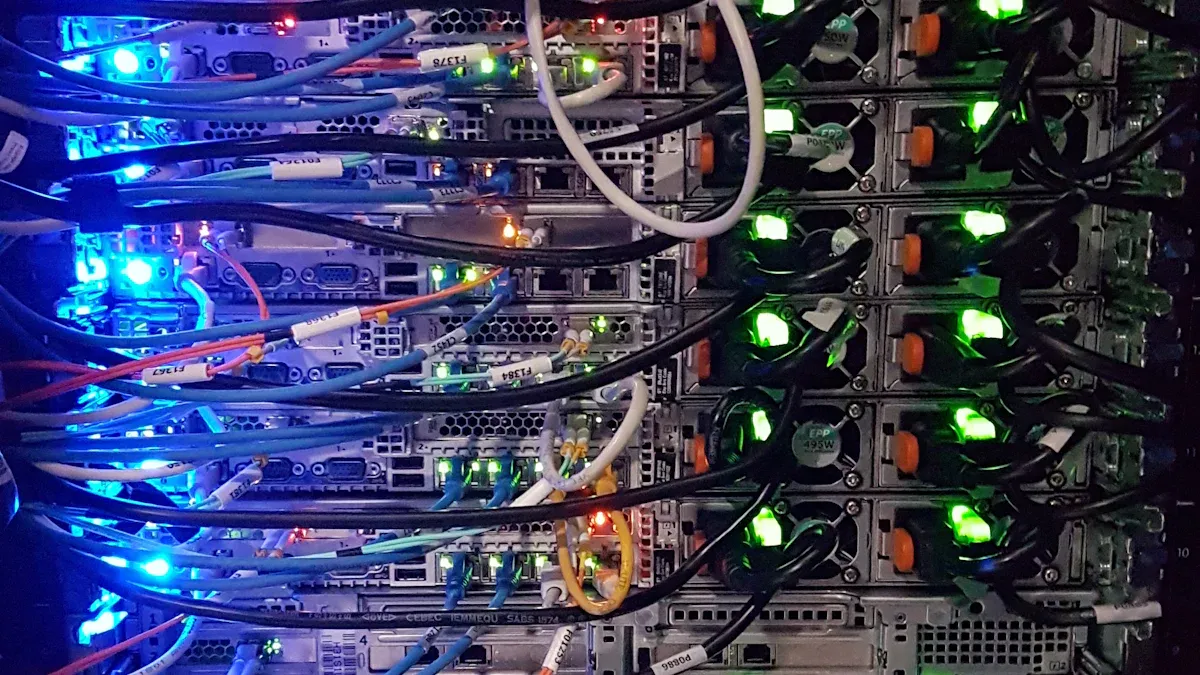
When I talk about a PDU basic pdu, I’m referring to the most straightforward type of power distribution unit. Its main job is simple: it takes power from a single source, like a branch circuit in your rack, and then distributes that power to multiple outlets. Think of it as a robust, industrial-grade power strip designed for your data center or server room. It’s all about converting one power input into many power outputs, making it easy to connect all your equipment.
Key Features of Basic PDUs
These units might be “basic,” but they’re essential. I’ve seen them handle various power needs, from 120V to 208V, and currents ranging from 15A to 30A, with maximum power outputs from 1.4kW to 4.9kW. The PDU basic pdu comes with different plug types, like standard NEMA plugs or IEC320, and it’s crucial that the PDU plug matches your branch circuit outlet. For safety, PDUs drawing over 20 amps usually include built-in circuit breakers to prevent overloads. You’ll find them with common outlet types such as NEMA 5-15R or IEC 320 C13, which are perfect for servers and switches. Some models even offer both 120V and 208V outlets for extra versatility.
Ideal Applications for Basic PDUs
I often recommend a PDU basic pdu for environments where advanced power monitoring or remote control isn’t a priority. They are perfect for non-critical infrastructure, like development servers or less vital network switches. If you’re working with a tight budget, these PDUs offer an economical solution for offices, network closets, and small server rooms. They’re especially well-suited for small IT closets that have a limited number of devices and don’t need granular power analytics. It’s a reliable, cost-effective way to get power where it needs to go.
Exploring Metered PDUs
What is a Metered PDU?
After basic PDUs, I often look at metered PDUs. A metered PDU takes power from a single source and distributes it to multiple outlets, just like a basic PDU. The big difference is its ability to provide local, real-time monitoring of power consumption. I find this feature incredibly useful. It gives you immediate insight into how much power your equipment is actually using.
Key Features of Metered PDUs
I’ve seen metered PDUs come with some fantastic features. They typically include a local digital display, which shows you critical power metrics right on the unit. These PDUs monitor a range of important data points. For example, I often see them track:
- Voltage (V)
- Current (A)
- Apparent Power (kVA)
- Real Power (kW)
- Power Factor
- Energy (kWh)
They can also monitor things like crest factor and harmonic distortion. Many of these units use both digital and analog inputs for integration, sometimes even linking with other devices using a digital output signal.
Benefits of Power Monitoring
The benefits of power monitoring are huge, in my opinion. Real-time insights into energy usage help you optimize operational costs. I’ve seen how it helps reduce costs through proactive maintenance. You can address potential issues before they become expensive problems. Real-time alerts also mean you can respond quickly to emerging issues, which significantly improves uptime and reliability. It also helps with optimizing capacity utilization and reducing risk.
Ideal Applications for Metered PDUs
I recommend metered PDUs for several specific scenarios. They are perfect for high-density data centers where you need to optimize power loads within racks. If you’re in a compliance-driven environment, these PDUs are essential for tracking and reporting energy consumption to meet industry standards. They also work well for budget-conscious facilities where monitoring is a priority, but you don’t need the full remote control of more advanced units. They help support compliance with energy regulations through accurate reporting.
Discovering Switched PDUs
What is a Switched PDU?
After metered PDUs, I often look at switched PDUs. A switched PDU does everything a metered PDU does, like distributing power and monitoring usage. The key difference is that it adds the ability to remotely control individual outlets. I find this feature incredibly powerful. It means I can turn specific outlets on or off from anywhere, which gives me a lot more control over my equipment.
Key Features of Switched PDUs
Switched PDUs come packed with features that make managing power much easier. They offer all the power monitoring capabilities of metered PDUs, showing me voltage, current, and power consumption. But the real game-changer is the individual outlet control. I can switch outlets on or off, and even set power-on sequencing. This helps prevent overloads when I bring equipment online. Many models also include built-in network interfaces for remote access.
Remote Control Capabilities
The remote control aspect of switched PDUs is what truly sets them apart. I can manage these units from a web browser or through network management systems. They use various network protocols to make this happen. For example, I often see them communicate using:
- SNMP
- HTTPS
- Modbus
- SSH (with public key authentication)
- REST API
- Webhooks
This allows me to securely access and control my power distribution from virtually anywhere. I can even get alerts if something goes wrong.
Ideal Applications for Switched PDUs
I recommend switched PDUs for situations where remote management and troubleshooting are crucial. They are perfect for remotely rebooting unresponsive servers or network devices. Imagine managing hundreds of retail stores; I can reset a frozen point-of-sale system without sending a technician. Switched PDUs also help with power scheduling. I can set devices to turn on or off automatically, which saves energy during off-peak hours. They also allow for proactive management, letting me adjust power distribution to balance loads and prevent overcurrents. This helps ensure uninterrupted power supply and keeps my infrastructure running smoothly.
The Power of Smart PDUs
What is a Smart PDU?
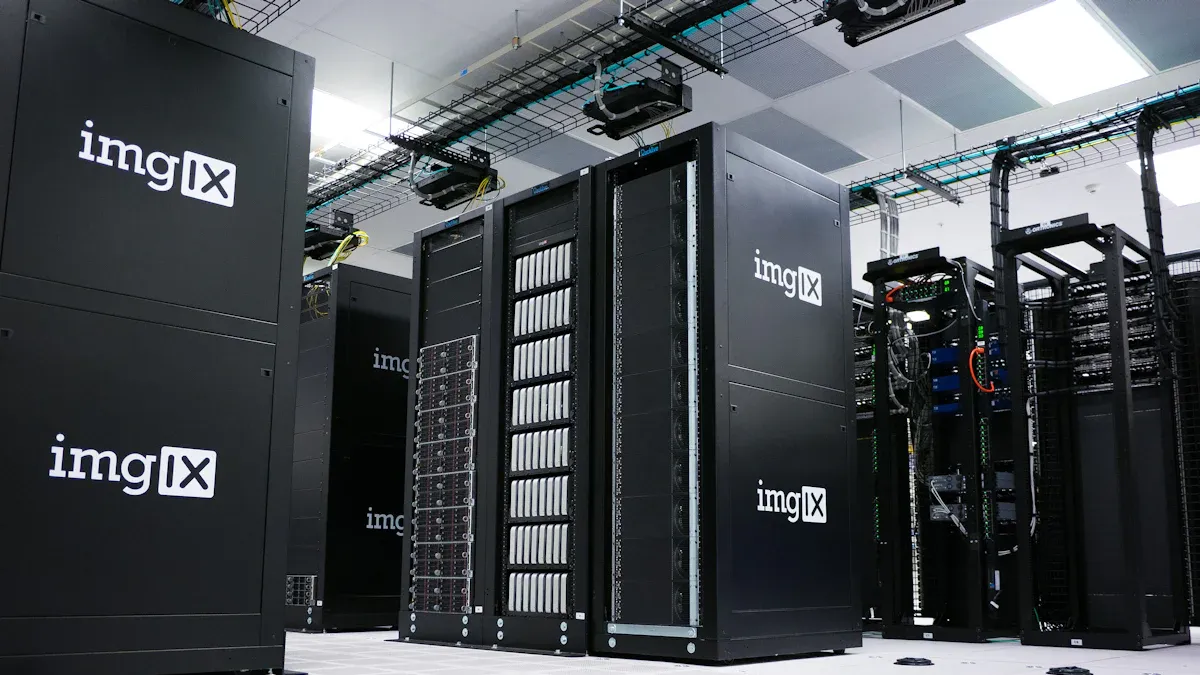
After exploring switched PDUs, I often turn my attention to smart PDUs. A smart PDU takes everything a switched PDU offers and elevates it with even more advanced features. It provides remote monitoring, outlet-level metering, and environmental tracking. This helps me optimize energy usage and improve operational efficiency significantly. I see it as the brain of power distribution in a modern data center.
Key Features of Smart PDUs
Smart PDUs come with a robust set of features. I get real-time visibility into power consumption, load balancing, and environmental conditions like current, voltage, temperature, and humidity. If something goes wrong, I receive instant alerts via email or SMS. I can also manage individual outlets remotely and perform reboots without needing to be on-site. These units often include IP aggregation, which lets multiple PDUs share a single IP address. This simplifies network management and reduces IP address usage. They also offer out-of-band communication, providing redundant access if my primary network fails.
Advanced Management and Monitoring
The management and monitoring capabilities of smart PDUs are truly impressive. I can continuously track energy usage metrics and access power data from anywhere. Environmental sensors detect temperature and humidity levels, helping me maintain optimal conditions. The management software provides detailed analytics and reporting features. This allows me to analyze historical data trends. I use this analysis to make strategic decisions for capacity planning and equipment upgrades. It gives me a clear picture of my power infrastructure.
Ideal Applications for Smart PDUs
I find smart PDUs indispensable for addressing complex data center challenges. They offer high-accuracy metering and real-time insights into power consumption. This helps me pinpoint inefficiencies and refine capacity planning. I can stay ahead of capacity limits and mitigate risks before they escalate. Smart PDUs also boost energy efficiency. They track electricity flow, identify underutilized or ‘zombie’ devices, and allow me to optimize energy use remotely. They also safeguard critical IT systems by detecting electrical and environmental risks, preventing downtime with proactive alerting.
Choosing the Right PDU for Your Needs
Selecting the perfect PDU for your setup can feel like a big decision. I always tell people it’s about matching the PDU’s capabilities to your specific needs. Let’s break down how I approach this.
Assessing Power Requirements
First, I always look at power requirements. You need to know how much power your equipment uses. This helps you pick a PDU that can handle the load. I often use industry standards to figure this out. For example, I look at things like:
- PAR 2 (P1922.1): This standard helps me calculate real-time emissions from IT infrastructure. It focuses on pollution from electricity generation.
- PAR 3 (P1923.1): I use this for figuring out the energy efficiency of communication signal processing. It looks at signal patterns and how much power equipment uses.
- PAR 4 (P1924.1): This gives me guidelines for making energy-efficient digital designs. It helps ensure power is only used when needed.
- PAR 5 (P1925.1): I use this standard for energy-efficient data transmission systems. It helps reduce power use by adjusting data rates.
I also consider overall data center efficiency. Metrics like Power Usage Effectiveness (PUE) are super important. The Green Grid developed PUE. You calculate it by dividing Total Facility Power by IT Equipment Power. A perfect score is 1.0. I also look at Data Center Infrastructure Efficiency (DCiE). This is the opposite of PUE. It shows how much of a facility’s power goes to IT gear. For a direct calculation, I often use this: Total Power (kW) = Server Power (W) × Number of Servers ÷ 1,000. These calculations help me understand the total power draw.
Considering Outlet Configuration
Next, I think about the outlets. You need enough outlets for all your devices. You also need the right types of outlets. Different connectors handle different amounts of current. I always check the connector types.
| Connector Type | UL Certified Rating | IEC Maximum Rating |
|---|---|---|
| C13/C14 | Up to 15 A | 10 A |
| C19/C20 | Up to 20 A | 16 A |
I also pay attention to the maximum current.
| Connector Type | Maximum Current (Amps) | Voltage Type |
|---|---|---|
| C13 | 10 | AC |
| C19 | 16 | AC |
| C21 | 16 | DC |
This chart shows the maximum current ratings for common connectors.

I make sure the PDU’s outlets match my equipment’s power cords. I also consider if I need a mix of 120V and 208V outlets.
Evaluating Form Factors
The physical size and shape of the PDU matter a lot. This is what we call the form factor. You can choose between horizontal and vertical PDUs. I’ve seen both work well, but they have different benefits.
Horizontal PDUs sit inside your rack. They take up rack units (RUs). This means less space for your IT equipment. They also might block airflow. This can create hot spots. If a horizontal PDU fails, you usually have to take it out. This causes downtime. Older horizontal PDUs often need their own network connection. This adds to network complexity.
Vertical PDUs are different. They mount along the side or back of the rack. This means they don’t use up valuable rack space. I love this because it frees up room for more servers.
- Space Efficiency: Vertical PDUs don’t use rack space. They can give you up to 60 outlets.
- Enhanced Cable Management and Airflow: Their slim design leaves plenty of room for cables. This also helps air flow better.
- Thermal Resilience: Vertical PDUs can handle higher temperatures. They often sit where hot air exhausts.
- Hot-Swappable Components: Some parts, like network controllers, you can swap out while the PDU is running. This means no power interruption.
- Network Connectivity: Modern vertical PDUs can connect in a chain. They use one network port and IP address for many units.
Installing vertical PDUs can be a bit harder. They are longer and heavier. You might need two people to mount them safely. This can take more time and cost more in labor.
Here is a quick comparison:
| Feature | Horizontal PDUs | Vertical PDUs |
|---|---|---|
| Space Utilization | Use up rack units, reducing space for IT equipment. | Don’t use rack units, mounted vertically. Maximize space for IT equipment. |
| Power Density | Limited outlets, usually 8-12 per PDU. | Many more outlets (up to 60 or more). Good for high-density servers. |
| Thermal Management | Can block airflow, causing hot spots. | Help airflow and heat escape. Designed for higher temperatures. |
| Cable Management | Can lead to messy cables. | Make cables neater. Shorter cable runs. |
| Installation Complexity | Generally easier to install. | Can be harder to install. Might need two people. |
| Scalability & Flexibility | Less flexible for future growth. Limited outlets. | Very scalable. More outlets. Supports dual power feeds. |
| Cost Efficiency | Lower initial cost. Higher long-term costs from poor space use and cooling. | Higher initial cost. Better long-term cost efficiency. Optimized space and cooling. |
| Maintenance & Downtime | Failure often means downtime for replacement. | Many have hot-swappable parts. Repairs without power interruption. |
I find vertical PDUs offer many benefits.
- Extra Rack Unit Space: They free up valuable rack space for equipment. This reduces clutter.
- Improved Cable Management: Cables are shorter. It’s easier to find power issues.
- Increased Outlet Count: Vertical mounting gives you more outlets. You don’t lose rack space. This helps with future growth.
- Heat Dissipation: They help air flow better in the rack. This is key for cooling.
- Design Efficiency: More room for outlets on one PDU makes powering many devices simpler.
- Discourages Manual Power Cycling: In critical areas, vertical PDUs hide outlets. This stops accidental power cycling.
Budget and Scalability Considerations
Finally, I always think about budget and future growth. Your initial investment in a PDU is important. However, I also consider the long-term operational costs.
| PDU Type | Acquisition Costs | Operational Expenses | Downtime Costs | End-of-Life Costs |
|---|---|---|---|---|
| Basic PDUs | Lower | Higher (no monitoring) | Higher (no remote management) | Higher (shorter lifespan) |
| Metered PDUs | Moderate | Reduced (energy monitoring) | Moderate | Moderate |
| Monitored PDUs | Higher | Reduced (remote management, energy monitoring) | Reduced (remote troubleshooting) | Moderate |
| Switched PDUs | Highest | Significantly Reduced (remote control, energy management) | Significantly Reduced (remote device management) | Moderate |
I look at a few cost factors.
- Acquisition Costs: This is the initial price and installation.
- Operational Expenses: These are ongoing costs like maintenance and energy. Metered and monitored PDUs can lower these. They help with energy management.
- Downtime Costs: This is money lost from equipment failures. Switched PDUs help reduce these. They let you manage devices remotely. You can fix issues fast.
- End-of-Life Costs: These are costs for getting rid of or replacing the PDU. Basic PDUs often have shorter lives. They might cost more in the long run.
I always plan for scalability. Will your power needs grow? A PDU that can expand with your infrastructure saves money later. I choose PDUs that can handle future demands. This avoids costly replacements down the road.
Common PDU Features Across All Types
Essential Safety Features
I always prioritize safety, and PDUs are no exception. Every PDU, regardless of its type, includes essential safety features. These features protect your equipment and your team. For example, I look for overcurrent protection. This prevents damage from too much electricity. PDUs use things like circuit breakers or fuses for this. Circuit breakers are often required to meet standards like UL489 or IEC60947. I see thermal-magnetic circuit breakers often. They detect overloads with a bimetallic strip and respond quickly to large surges.
I also check for certifications. These show a PDU meets strict safety standards. For instance, UL Listed means a product meets Underwriters Laboratories’ safety standards. The CE mark is important for products sold in the EU. It covers consumer and workplace safety. I also know about NEMKO certification, which is key for electrical equipment in Norway. SGS certification is crucial too. They do third-party testing to ensure products meet U.S. and Canadian standards. The UKCA mark applies to products sold in Great Britain. I also look for ISO9001, RoHS, and GS. These certifications give me confidence in the PDU’s safety.
Input Power Cord Options
When I set up a PDU, I always consider the input power cord options. The right cord ensures compatibility with your power source. I know three major international standards define power cable and connector shapes: IEC for global use, NEMA for North America, and CEE for European countries.
In the United States, I see both IEC and NEMA standards widely used. IEC 60320 specifies connectors like C13, C15, and C19. C13 connectors are common for computers. C15 connectors handle high-heat devices. C19 connectors are for high-amperage equipment like data servers. NEMA standards are primarily North American. I often encounter NEMA 5-15, a grounded, three-prong connector for household items. NEMA 5-20 has a “T”-shaped neutral prong for heavier equipment. For higher power, I might use NEMA 6-15 or 6-20. In Europe, I see CEE 7/4 (“Schuko”) or CEE 7/7, a versatile hybrid connector. Other regions have their own types, like Type I in Australia and China, or Type G in the UK.
Environmental Monitoring Integration
I find environmental monitoring integration incredibly valuable, even in basic setups. Many PDUs can connect to sensors that track conditions around your equipment. These sensors measure things like temperature and humidity. This real-time data helps me prevent problems. For example, I can get alerts if the temperature gets too high. This helps me avoid overcooling or undercooling.
Integrating environmental data can lead to big savings. I’ve seen cooling costs drop by 10-15% when people use this data for adjustments. It can also reduce energy waste by up to 30%. This helps me achieve energy efficiency. I can also prevent downtime by getting predictive maintenance alerts. These alerts warn me of potential issues before they cause a major problem. This helps extend equipment lifespan. It also supports sustainability goals by reducing CO2 emissions. I can optimize the facility environment by integrating with Smart Building Management Systems. This can even reduce HVAC energy usage.
I’ve shown you the journey from a PDU basic pdu to advanced smart units. Each type offers distinct advantages. Choosing the right PDU is critical for your infrastructure. It helps optimize power distribution for both efficiency and reliability. I hope this guide helps you make smart decisions.
FAQ
What is the main difference between a basic and a smart PDU?
I see a basic PDU as a simple power strip for your rack. A smart PDU offers advanced monitoring, remote control, and environmental sensing. It gives me much more control.
Why do I need a PDU instead of a regular power strip?
I use PDUs because they are built for data centers. They handle higher power loads and offer safety features. Regular power strips just aren’t designed for that kind of environment.
Can I mix different PDU types in my rack?
Yes, I often mix them! You can use basic PDUs for less critical gear. Then, I use smart or switched PDUs for equipment needing monitoring or remote control.
Post time: Jan-04-2026


