

Introduction
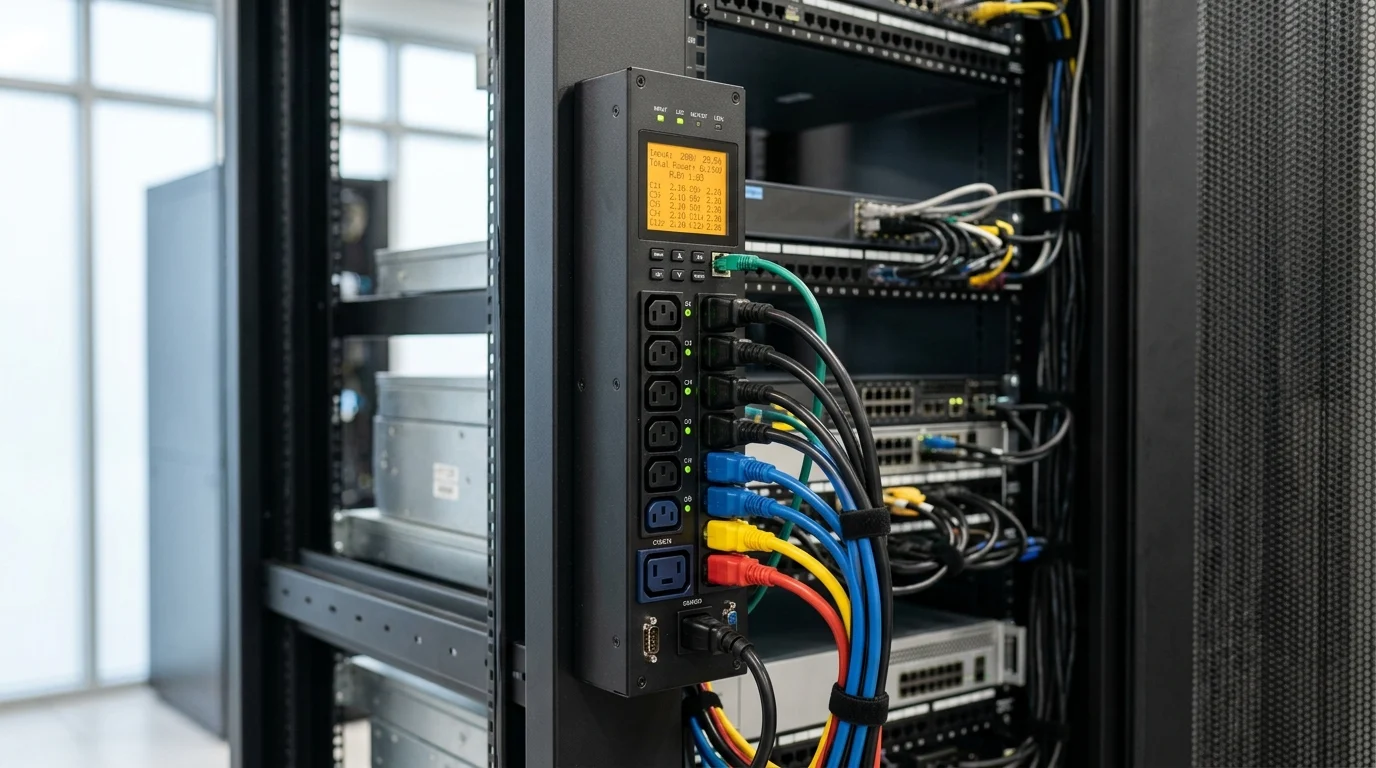
Modern IT environments depend on fast recovery when servers, network appliances, or edge systems stop responding, and waiting for an on-site power cycle can turn a minor fault into costly downtime. A switched Smart PDU adds a practical layer of control by allowing administrators to remotely reboot individual outlets, restore service faster, and reduce unnecessary dispatches. This article explains how remote reboot capabilities improve resilience, lower operational costs, and support better incident response across distributed infrastructure. It also sets up the key considerations for evaluating where a Smart PDU fits into your power management and continuity strategy.
Why Smart PDU Remote Reboot Matters for IT
If you have spent any time managing server rooms or edge deployments, you know that nothing drains the IT budget—and your patience—quite like dispatching a technician at 2 AM simply to unplug a frozen server and plug it back in. I have been there more times than I care to admit. When remote desktop connections fail and out-of-band management interfaces lock up, physical power cycling is often the only remaining lifeline.
This is exactly where a Smart PDU changes the game. By bringing intelligence to the rack’s power distribution, we transition from reactive firefighting to proactive, remote resolution. Let’s look at why adding remote power capabilities is one of the highest-ROI decisions you can make for your network reliability.
Business Case and Operational Value
When I build a business case for hardware upgrades, I always start with the hard numbers. A typical “truck roll”—sending a technician to a remote site—costs anywhere from $250 to $600 depending on the location, time of day, and service level agreement (SLA). If you are managing 50 edge locations and average just one physical dispatch per site annually for power cycling, you are burning up to $30,000 a year on essentially unplugging cables.
By utilizing Remote Reboot capabilities, I have seen IT teams eliminate 70% to 80% of these physical dispatches. The operational value goes far beyond just saving travel costs; it frees up senior engineers to focus on architecture and security rather than playing the role of an expensive reset button.
Role in Uptime and Incident Response
Uptime is the ultimate metric for any infrastructure team. Industry benchmarks consistently show that every minute of unplanned downtime can cost an organization an average of $5,600, depending on the sector. When a core switch or critical firewall hangs, waiting three hours for a technician to navigate traffic is unacceptable.
With remote power cycling, our incident response time drops from hours to roughly 30 seconds. A network operations center (NOC) engineer can securely log into the power distribution unit, identify the exact outlet feeding the unresponsive hardware, and bounce the power. This rapid recovery mechanism is a foundational pillar of modern IT resilience, ensuring that minor software hangs do not cascade into massive SLA violations.
What Smart PDU Remote Reboot Capabilities Include
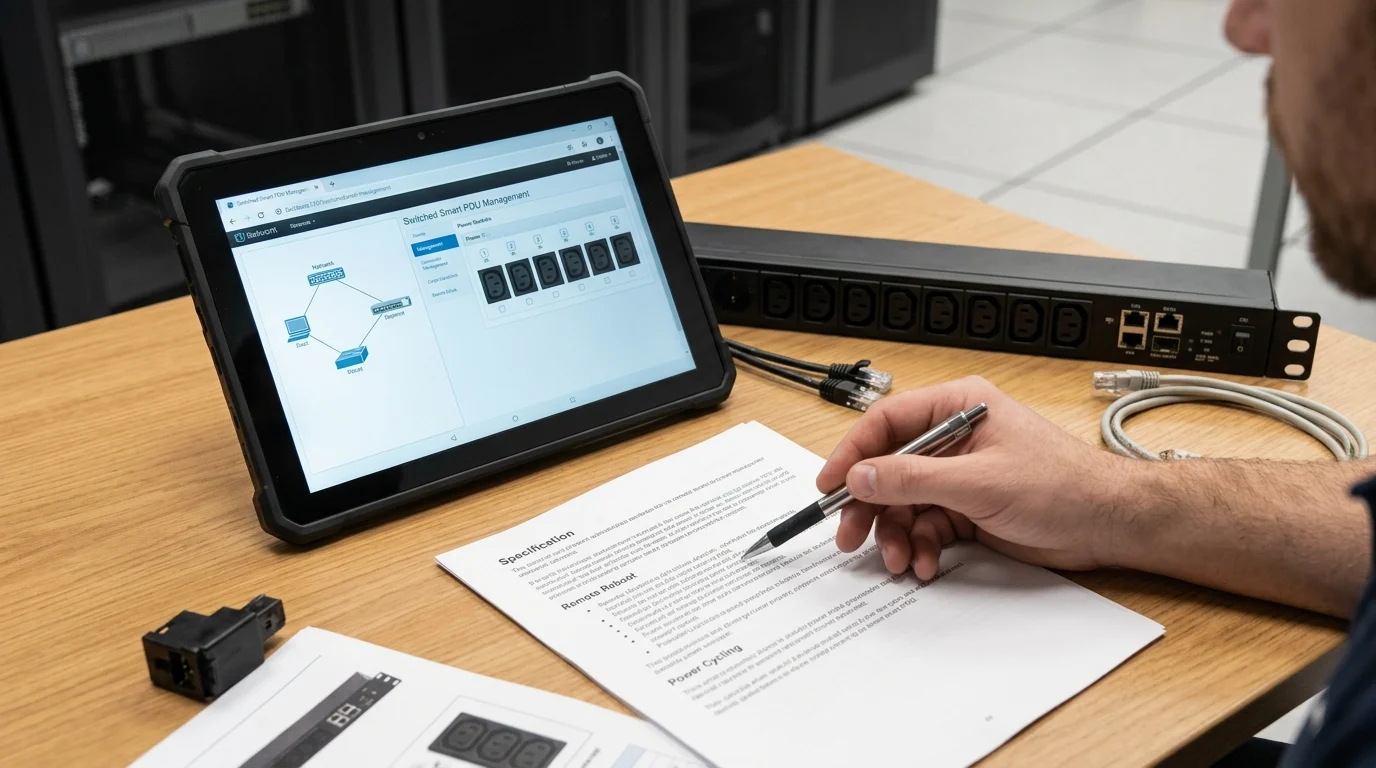
So, what exactly are we getting when we upgrade the rack’s power strip? It is important to understand that not all intelligent power strips offer the same level of control. Let me break down the specific capabilities that actually move the needle for infrastructure management.
Switched vs Basic PDU Features
A basic PDU is exactly what it sounds like: a dumb power strip that distributes electricity. It offers zero visibility and zero control. Even a “metered” unit only gives you a digital readout of the total current draw, which is helpful for capacity planning but useless during an outage.
A switched intelligent unit, on the other hand, includes internal relays for every single receptacle. This means you are not just monitoring the power; you are actively controlling the state of the circuit. This leap from passive monitoring to active management is what allows us to integrate power control directly into our incident response playbooks.
Outlet-Level Switching and Power Sequencing
The ability to turn individual outlets on or off is fantastic, but power sequencing is where we really protect the hardware. When an entire rack loses power and then the grid comes back online, having 40 high-density servers boot simultaneously creates a massive inrush current. I have seen this spike easily exceed 30A to 40A on a single circuit, immediately tripping the upstream breaker.
With advanced Rack Power Control, we can program outlet-level sequencing. We typically set a 5- to 15-second delay between each outlet powering on. This staggered boot process ensures the core networking gear comes up first, followed by the storage arrays, and finally the compute nodes, all while keeping the electrical draw safely below the circuit’s 80% continuous load threshold.
Access Control and Monitoring
You cannot just leave remote power controls wide open; the security implications of someone accidentally shutting down a production database are terrifying. Modern intelligent PDUs come equipped with enterprise-grade access controls, including SNMPv3, REST APIs, and LDAP/Active Directory integration.
Beyond security, the monitoring capabilities are incredibly granular. We configure alerts for voltage drops—for instance, if a standard 120V feed dips below 110V—or if a specific outlet starts drawing 15% more wattage than its historical baseline. This allows us to catch failing power supplies weeks before they actually die.
How to Compare Switched Smart PDU Options
Once you decide to upgrade, the market is flooded with options. Comparing these units requires looking past the marketing jargon and focusing on the engineering specifications that actually matter for your daily operations.
Key Feature Comparison Criteria
When I evaluate different models, I categorize them by their exact control and telemetry levels. You need to align the hardware’s feature set with your actual operational needs.
| PDU Type | Outlet Control | Power Monitoring | Typical Cost Multiplier |
|---|---|---|---|
| Basic | None | None | 1x (Baseline) |
| Metered | None | Phase/Circuit level | 1.5x – 2x |
| Switched | Yes (Remote Reboot) | Phase/Circuit level | 3x – 4x |
| Switched Pro | Yes (Remote Reboot) | Outlet level | 4x – 6x |
For pure remote recovery, a standard switched unit is usually sufficient. However, if you need to bill individual departments for their specific power usage, you will have to step up to the “Switched Pro” tier for outlet-level metering.
Cost vs Remote Management Trade-Offs
The most common pushback I hear from finance teams is the upfront cost. A reliable, high-density basic unit might cost $150, whereas a comparable Switched PDU typically runs between $600 and $1,200. It looks like a steep jump on paper.
However, you have to weigh this against the remote management trade-offs. If an $800 intelligent unit prevents just two $400 emergency truck rolls over its five-year lifespan, it has already paid for itself. Furthermore, the remote management capabilities allow you to consolidate your IT staff, managing global deployments from a single central office rather than hiring regional contractors.
Use Cases for Edge, Branch, and Data Center Sites
The deployment context dictates the hardware choice. For data center environments where we have 24/7 on-site smart hands, we might only deploy switched units on the core networking racks, leaving the compute racks on cheaper metered units.
Edge and branch sites are a completely different story. If I have a retail branch with a single network closet and zero IT staff within a 200-mile radius, a switched intelligent PDU is an absolute, non-negotiable requirement. In these environments, the remote recovery feature is the only thing standing between a 5-minute blip and a 24-hour store closure.
How to Deploy a Smart PDU Remote Reboot Strategy
Procuring the hardware is only step one. How you integrate these devices into your IT Infrastructure dictates whether they become a lifesaver or a major security liability. A poorly deployed remote power strategy can cause more outages than it prevents.
Implementation Steps and Reboot Safeguards
The first rule of implementation is to never execute a reboot blindly. Before we ever cycle power, we verify the state of the machine via out-of-band management (like IPMI or iLO) to ensure we aren’t corrupting a database that is simply processing a heavy load.
To automate this safely, I highly recommend setting up “ping watchdogs” on the PDU itself. You can configure the unit to ping a router’s IP address every 10 seconds. If the unit registers 5 consecutive failed pings, it automatically power cycles the outlet tied to that specific modem or router. This self-healing safeguard is incredibly effective for edge networking gear.
Policies, Naming Standards, and Alerts
If you do not label your outlets correctly, you will eventually reboot the wrong server. I enforce a strict naming standard across all deployments. An outlet should never be left as “Outlet 1″. It must be named with the hostname, device type, and port, such as FW-SiteA-Primary-PSU1.
Alerting policies must also be tuned to avoid alarm fatigue. I configure our monitoring tools to only trigger critical PagerDuty alerts if the total rack load exceeds 85% of the breaker capacity, or if an outlet unexpectedly drops to 0W draw, indicating a device failure or a pulled cord.
Compliance, Auditability, and Vendor Support
For organizations adhering to SOC 2, ISO 27001, or PCI-DSS, power infrastructure is not exempt from compliance audits. You must maintain strict audit trails showing exactly who authenticated to the power unit, what command was issued, and when it happened.
This is where vendor support becomes critical. These units run their own embedded Linux operating systems, meaning they are susceptible to vulnerabilities. You need a vendor that consistently releases firmware updates. If a CVE drops with a CVSS severity score of 7.0 or higher affecting the PDU’s web interface, you need to know your vendor will have a patch available within days, not months.
How to Choose the Right Smart PDU for Resilience
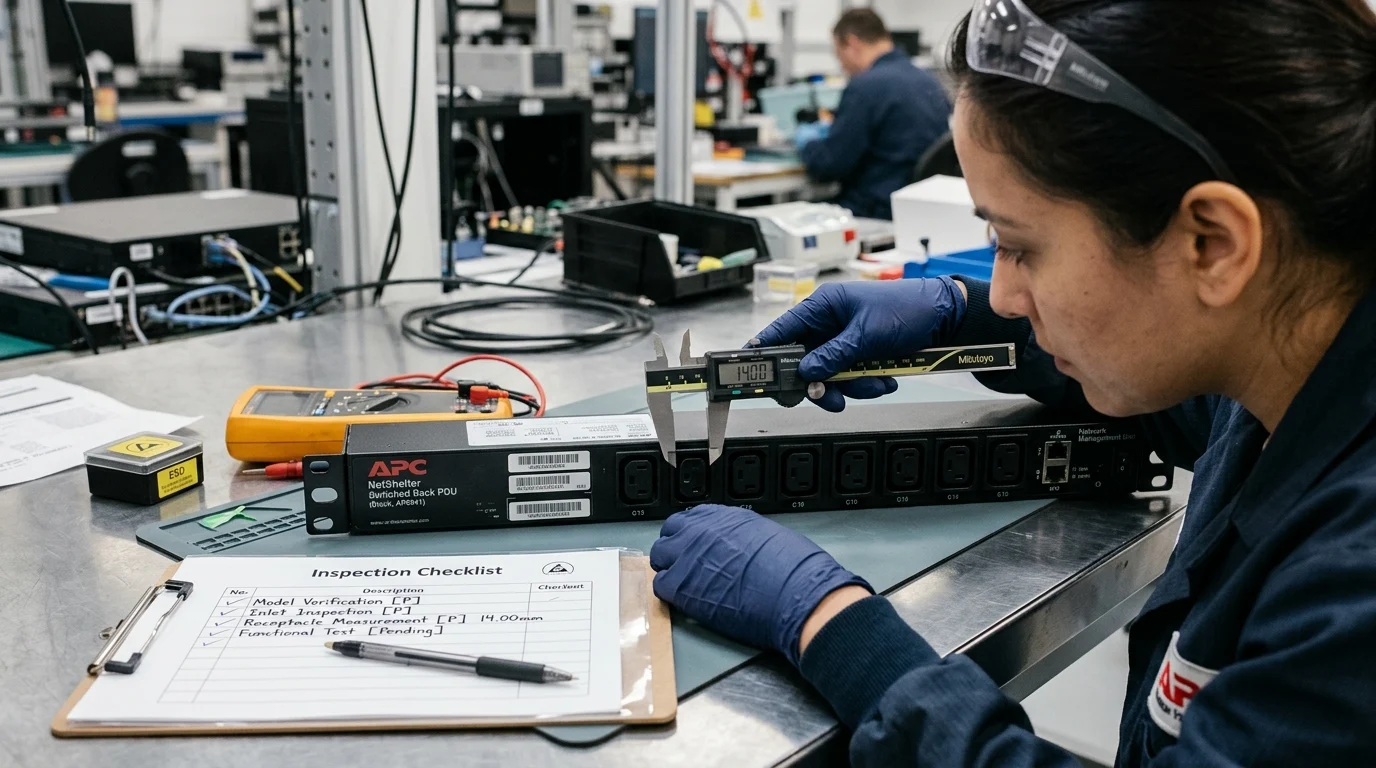
Wrapping up the procurement process means looking closely at the spec sheets and making a final judgment call. You are buying this equipment to guarantee resilience, so the hardware itself needs to be bulletproof.
Priority Decision Criteria
When I am making the final selection, I look past the software dashboard and heavily scrutinize the physical engineering of the unit. The environment inside a server cabinet is harsh, and the power strip needs to survive it.
| Specification | Minimum Recommendation | Operational Benefit |
|---|---|---|
| Operating Temperature | 60°C (140°F) | Ensures reliability in high-density, hot-aisle containment setups without component degradation. |
| Network Connectivity | Dual Gigabit Ethernet | Provides failover for management access; if one network switch goes down, you don’t lose power control. |
| Outlet Receptacles | Locking / High-Retention | Prevents accidental disconnects from vibration or technicians bumping cables during maintenance. |
If a unit cannot meet these three baseline thresholds, I generally disqualify it from enterprise consideration, regardless of how slick the web UI looks.
Final Selection Guidance
My final guidance is to look closely at the warranty and the API documentation. The industry standard warranty is typically 2 to 3 years, but premium manufacturers will stand behind their hardware for up to 5 years. Given that rack infrastructure is usually on a 5-year refresh cycle, matching the warranty to the lifecycle is a smart move.
Lastly, ensure the unit’s API is fully documented and supports modern protocols like REST or Redfish. You want to ensure that as your automation stack evolves, your power infrastructure can be orchestrated right alongside your virtual machines and containers. When chosen correctly, these intelligent power units disappear into the background, quietly maintaining the uptime your business demands.
Key Takeaways
- The most important conclusions and rationale for Smart PDU
- Specs, compliance, and risk checks worth validating before you commit
- Practical next steps and caveats readers can apply immediately
Frequently Asked Questions
What is the main benefit of a switched Smart PDU?
It lets IT teams remotely reboot individual outlets, cutting site visits, speeding recovery, and improving uptime for racks, server rooms, and edge locations.
How is a switched Smart PDU different from a basic PDU?
A basic PDU only distributes power. A switched Smart PDU adds outlet-level control, remote reboot, monitoring, and power sequencing for safer, faster incident response.
When should I use remote reboot on a Smart PDU?
Use it when a server, switch, firewall, or edge device stops responding and software access fails. Reboot only the affected outlet to restore service quickly.
Why does power sequencing matter after an outage?
Sequencing staggers startup by a few seconds per outlet, reducing inrush current and helping prevent breaker trips when multiple devices power back on.
Where can I compare Smart PDU options for remote reboot deployments?
You can review switched Smart PDU solutions and specifications at yosunpdu.com to match outlet control, monitoring, and rack power requirements.
Post time: May-18-2026


