

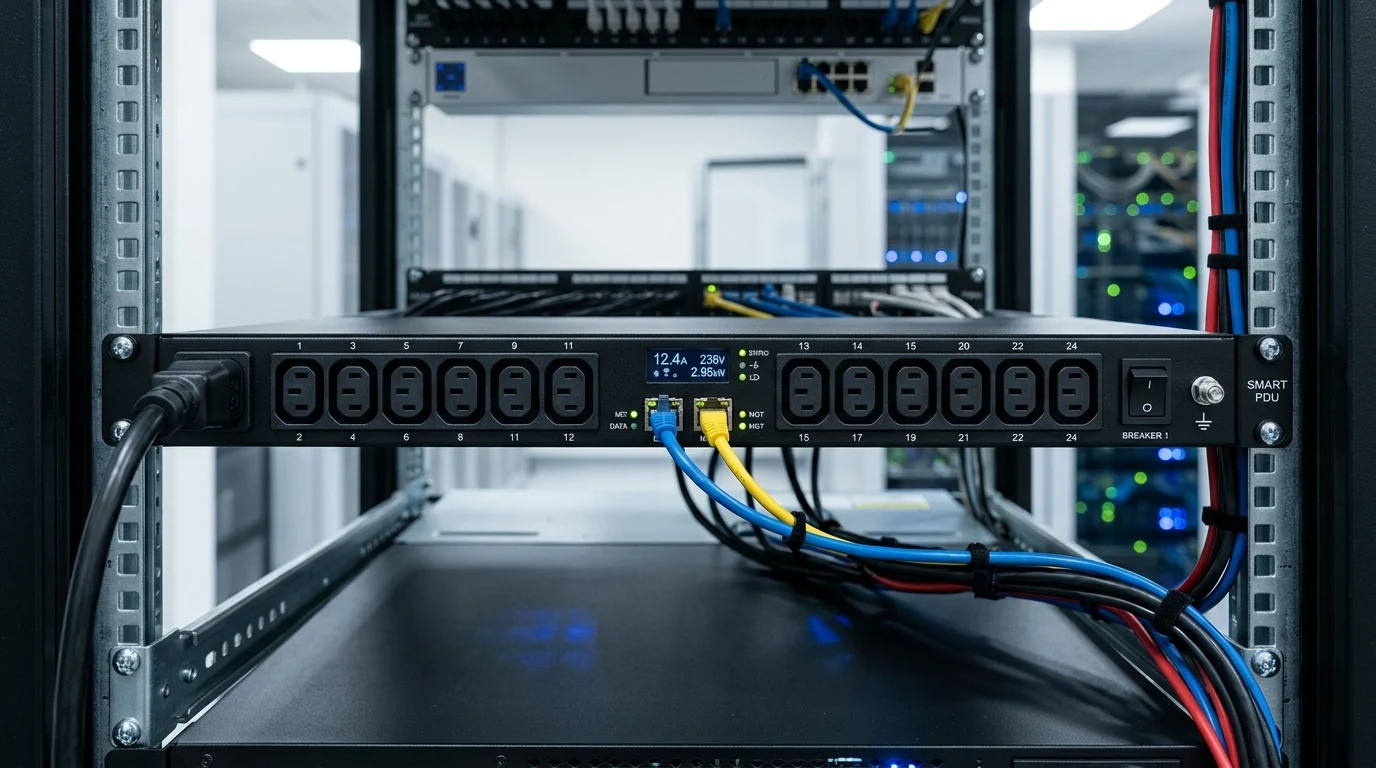
As rack density rises and uptime targets tighten, power distribution has become a frontline operational concern rather than a background utility. Smart PDUs give data center teams real-time visibility into load, branch conditions, outlet status, and energy use, while enabling remote reboot and control when every minute of downtime matters. This article explains why that shift is happening, where traditional PDUs fall short, and how intelligent power management supports resilience, efficiency, and faster incident response. From reducing truck rolls to improving capacity planning, the discussion ahead shows why smart PDUs are increasingly central to modern data center strategy.
Introduction
When I walk into a modern data center, the first thing I look at isn’t the flashing lights on the servers—it’s the power strips in the back of the racks. We’ve reached a point where traditional power distribution is no longer cutting it. Data center operators are facing unprecedented pressure to maximize uptime, optimize power usage effectiveness (PUE), and handle increasingly dense hardware footprints. That’s exactly why upgrading to a Smart PDU has shifted from a “nice-to-have” luxury to a strategic necessity. You simply can’t afford to send a technician onto the floor every time a server hangs or a breaker trips. Let’s dive into why intelligent power management is fundamentally changing how we run data centers. The most immediate ROI I see when clients implement Remote Power Management is the drastic reduction in Mean Time To Recovery (MTTR). When a server locks up at 2 AM on a Sunday, you don’t want to roll a truck or wake up remote hands just to pull a plug. With an intelligent unit, your network operations center can securely log into the web interface or DCIM platform, cycle power to that specific outlet, and have the server rebooting in seconds. Furthermore, predictive alerting is a game-changer for uptime. Instead of waiting for a circuit to overload and trip a 30A breaker—taking down half a rack in the process—you can set customizable threshold alarms. If a branch circuit hits 80% of its rated capacity (for instance, 24A on a 30A line), you get an SNMP trap or email alert, allowing you to migrate workloads before disaster strikes. We are living in the era of AI and machine learning, which means rack densities are skyrocketing. Just a few years ago, a 5kW to 10kW rack was considered high density. Today, I’m regularly designing layouts for GPU-heavy clusters pulling 40kW to 100kW per rack. At these extreme densities, you have zero margin for error regarding thermal management and load balancing. High-density environments require granular visibility. You need to know exactly how much power is being drawn at the phase, circuit breaker, and outlet levels to prevent phase imbalance. Smart PDUs provide this real-time telemetry, ensuring you aren’t stranding valuable power capacity or unknowingly pushing a single phase dangerously close to its thermal limit.
Why Smart PDU Adoption Is a Strategic Priority
1 Remote power management and uptime
2 Visibility in high-density racks
I often get asked by procurement teams why they should spend a premium on intelligent power distribution when a basic strip seemingly does the exact same job: passing electricity from the wall to the server. To answer that, we have to look at the massive capability gap between the different tiers of a Data Center PDU. A basic PDU is just a ruggedized power strip. It offers no network connectivity and no local display. If you overload it, the breaker trips, and you’re in the dark. Metered PDUs are a slight step up; they feature a local LED/LCD screen showing aggregate current draw, which helps the technician standing directly in front of the rack avoid overloading a circuit during installation. But once that technician walks away, you’re blind again. Smart PDUs—which generally encompass monitored and switched variants—introduce an onboard network controller. This “brain” allows the unit to communicate over your LAN. Suddenly, you gain billing-grade power metering (often with +/- 1% accuracy), environmental sensor ports for temperature and humidity probes, and seamless integration with your central management software. Many modern units are also rated for high ambient operating temperatures, often up to 60°C (140°F), which is critical for hot-aisle containment strategies. To keep things straight when you are reviewing spec sheets, it helps to break down the industry terminology. The differences dictate both your operational capabilities and your budget. Understanding this matrix is vital. If you operate a purely colocation environment where you just need to bill tenants for power, a unit with outlet-level metering but no switching might be the perfect middle ground.
How Smart PDUs Differ from Basic and Metered PDUs
1 Core capabilities that matter
2 Key terms and feature comparisons
PDU Classification
Network Connectivity
Outlet-Level Metering
Remote Outlet Switching
Typical Cost Premium
Basic
No
No
No
Baseline
Metered
No
No
No
+15-20%
Monitored (Input)
Yes
No
No
+50-80%
Monitored (Outlet)
Yes
Yes
No
+100-150%
Switched
Yes
Optional
Yes
+200-300%
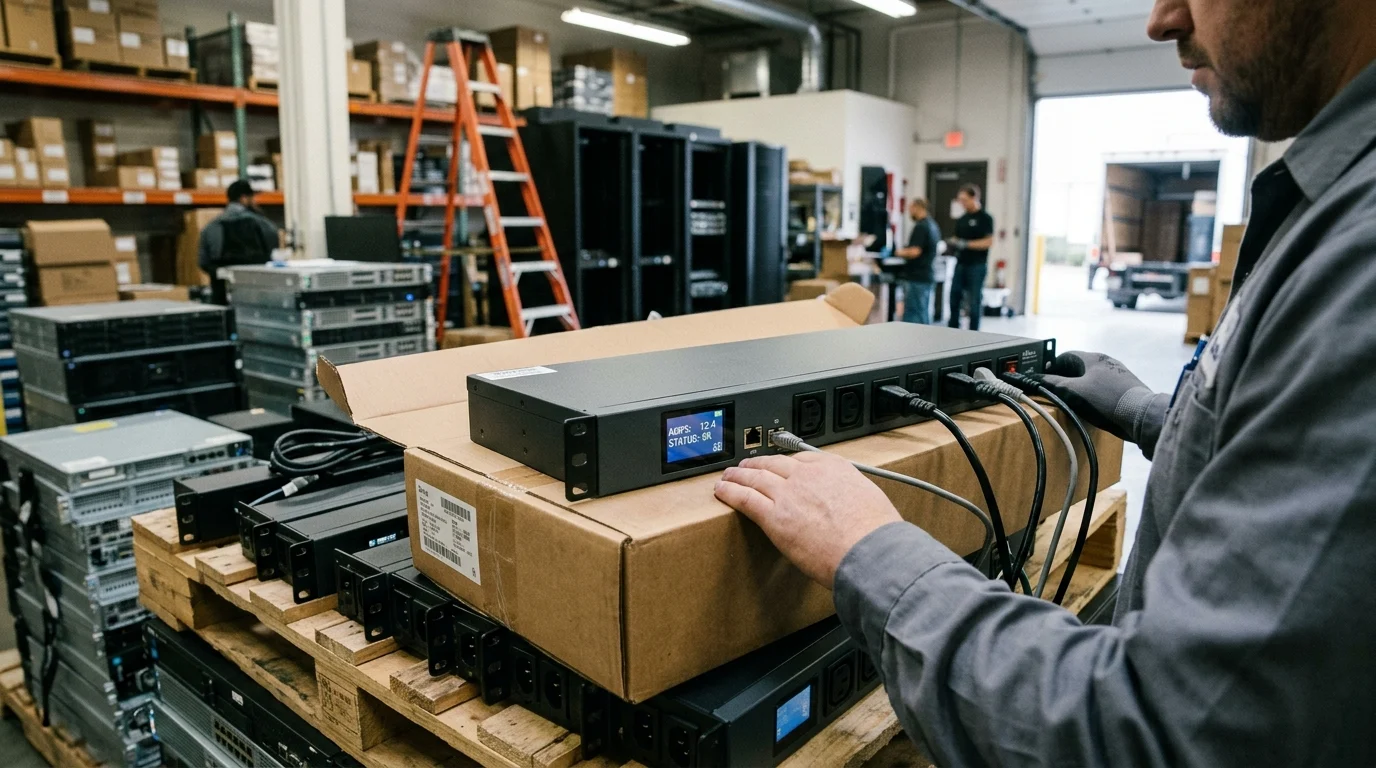
Once you’ve decided to make the leap to intelligent power, you have to nail down the hardware specifications. I’ve seen expensive deployments fail because the engineering team overlooked a minor technical detail that bottlenecked their entire rack design. Let’s look at the specs that actually matter on the data center floor. Your input power dictates everything. If you are deploying standard enterprise servers, a 208V single-phase 30A feed might suffice, giving you roughly 5kW of usable power. But for modern, high-density AI clusters, I almost exclusively specify 400V 3-phase, 60A inputs, which can deliver up to 41.5kW per rack. Outlet configuration is equally crucial. Instead of guessing how many C13 versus C19 outlets you’ll need, look for units featuring combination C13/C19 outlets (sometimes called Cx outlets). These allow you to plug either a standard C14 server cord or a high-capacity C20 blade chassis cord into the exact same receptacle, vastly simplifying your inventory and future-proofing the rack layout. Hardware is only half the battle; the onboard firmware is where the magic happens. I always verify that the PDU supports secure management protocols. You should demand SNMPv3, RESTful APIs, and Redfish support for modern DCIM (Data Center Infrastructure Management) integration. Unencrypted Telnet or SNMPv1 should be disabled out of the box. Cybersecurity at the rack level is no longer optional. Look for Intelligent PDU models that support LDAP, RADIUS, or Active Directory authentication. Furthermore, check the spec sheet for “hot-swappable” network controllers. This allows you to update the firmware or replace a failed network board without dropping power to the connected servers. You also need to verify the metering accuracy. For internal capacity planning, +/- 2% is fine. But if you are using the PDU data to bill colocation tenants, you strictly need billing-grade accuracy of +/- 1% (compliant with ANSI or IEC standards) to avoid revenue leakage and tenant disputes.
Which Smart PDU Specifications Matter Most
1 Power density, phase, and outlet options
2 Firmware, cybersecurity, and DCIM integration
3 Accuracy and remote switching trade-offs
Buying the hardware is the easy part. Deploying hundreds or thousands of networked power strips across a facility without creating a logistical nightmare requires a rock-solid strategy. I always advise my clients to treat a PDU rollout with the same rigor as a core network switch upgrade. Before you order anything, audit your racks. Document your A and B power feeds, ensuring you order color-coded PDUs (e.g., red for Feed A, blue for Feed B) to idiot-proof the installation. Networking is usually the biggest hurdle. If you have 50 racks with two PDUs each, that’s 100 new IP addresses and 100 switch ports you suddenly need. To mitigate this, leverage cascading (daisy-chaining). Most enterprise-grade units allow you to cascade up to 16 or even 32 PDUs together via standard Cat5e/Cat6 cables, sharing a single IP address and a single uplink port on your management switch. This can save you tens of thousands of dollars in top-of-rack networking gear. Your strategy must extend beyond installation into daily operations. The telemetry generated by these units is a goldmine for energy reporting. By integrating the power data into your DCIM or building management system, you can track real-time PUE and identify “ghost servers”—machines that are drawing idle power but doing zero compute work. Align this data with your corporate ESG (Environmental, Social, and Governance) goals. Showing a verifiable 10% reduction in rack power draw through better load balancing and ghost server decommissioning is a massive win for your operations team. Finally, let’s talk procurement realities. Custom configurations (like specific cord lengths, plug types, or outlet counts) often carry a lead time of 8 to 12 weeks. Don’t wait until your servers are on the loading dock to order your power infrastructure. Pay close attention to Minimum Order Quantities (MOQs) if you are requesting bespoke builds. Also, evaluate the vendor’s warranty deeply. A standard 3-year warranty is baseline, but many premium vendors offer 5-year warranties if you register the deployment. Given that the typical refresh cycle for power infrastructure is 5 to 7 years, having warranty coverage for the bulk of that lifespan is critical.
How to Build a Smart PDU Deployment Strategy
1 Rack assessment, networking, and rollout
2 Energy reporting and operations alignment
3 Procurement and vendor selection
We’ve covered the “why,” the “what,” and the “how.” Now it comes down to the final decision. Choosing the right unit isn’t about buying the most expensive model with the most blinking lights; it’s about aligning the feature set with your specific operational reality and budget constraints. I use a straightforward decision framework when consulting on power design. You have to balance the criticality of the workload against the typical cost band, which usually ranges from $400 for a basic monitored unit up to $1,200+ for a high-density switched unit. By mapping your environment to this framework, you strip the emotion out of the purchase and ensure you aren’t over-engineering—or under-engineering—your power chain. If you are managing remote edge computing sites—like retail closets or cellular base stations—switched PDUs are non-negotiable. The ability to remotely power cycle a locked-up router saves a $250 truck roll every single time, meaning the PDU often pays for itself after just two incidents. Conversely, if you are running a massive, homogenous hyperscale environment where workloads dynamically failover to other nodes when a server dies, outlet-level switching might be an unnecessary expense. In those cases, a robust input-monitored Networked PDU that provides excellent phase-balancing telemetry is usually the smartest, most cost-effective choice. Understand your workload, map your power paths, and invest in the intelligence that directly solves your biggest operational headaches.
How to Choose the Right Smart PDU
1 Decision framework for selection
Environment Use Case
Primary Challenge
Recommended PDU Type
Crucial Baseline Spec
Edge / Remote Sites
No IT staff on-site
Switched
Bistable relays, Remote reboot
Colocation Provider
Tenant billing accuracy
Monitored (Outlet-level)
+/- 1% Billing-grade accuracy
Enterprise Core IT
Capacity planning
Monitored (Input-level)
High-temp rating (60°C)
AI / HPC Clusters
Extreme power draw
High-Density Monitored
400V 3-Phase, 60A input
2 Practical guidance by use case

Key Takeaways
Frequently Asked Questions
Ago Zhang
Product Manager
Expert in power distribution solutions, dedicated to providing practical rack power management and reliable infrastructure support for modern data centers.
Post time: May-15-2026


