

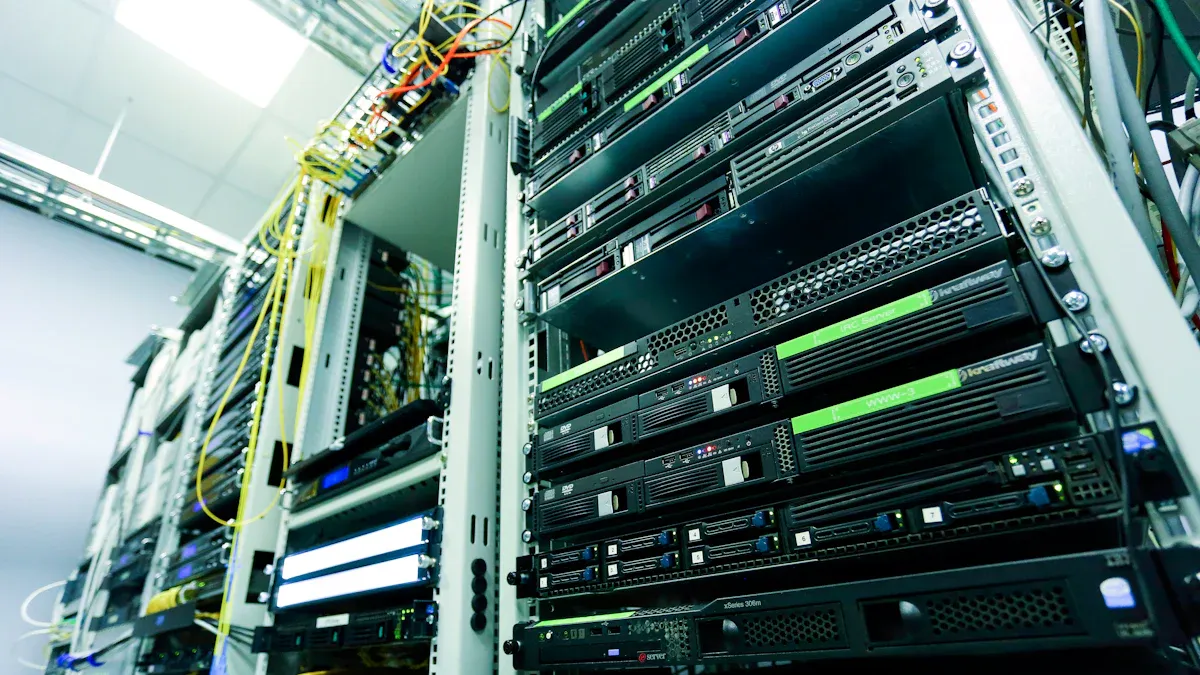
I know effective Power Distribution Unit management is vital for data center uptime. It also helps with energy efficiency and cuts operational costs. Power issues cause a lot of problems; for instance, about 44% of data center outages come from onsite power system failures. Power Distribution Units are the backbone of reliable power. Mastering their use builds a resilient infrastructure.
Key Takeaways
- Choose the right Power Distribution Unit (PDU) for your needs. Basic PDUs distribute power. Smart PDUs monitor and control power remotely.
- Manage power cords well. Separate power and data cables. Use cable managers. This improves airflow and makes troubleshooting easier.
- Use advanced PDU features for reliability. Redundant power paths keep systems running. Smart PDUs help save energy and predict problems.
Optimizing Power Distribution Unit Selection and Deployment
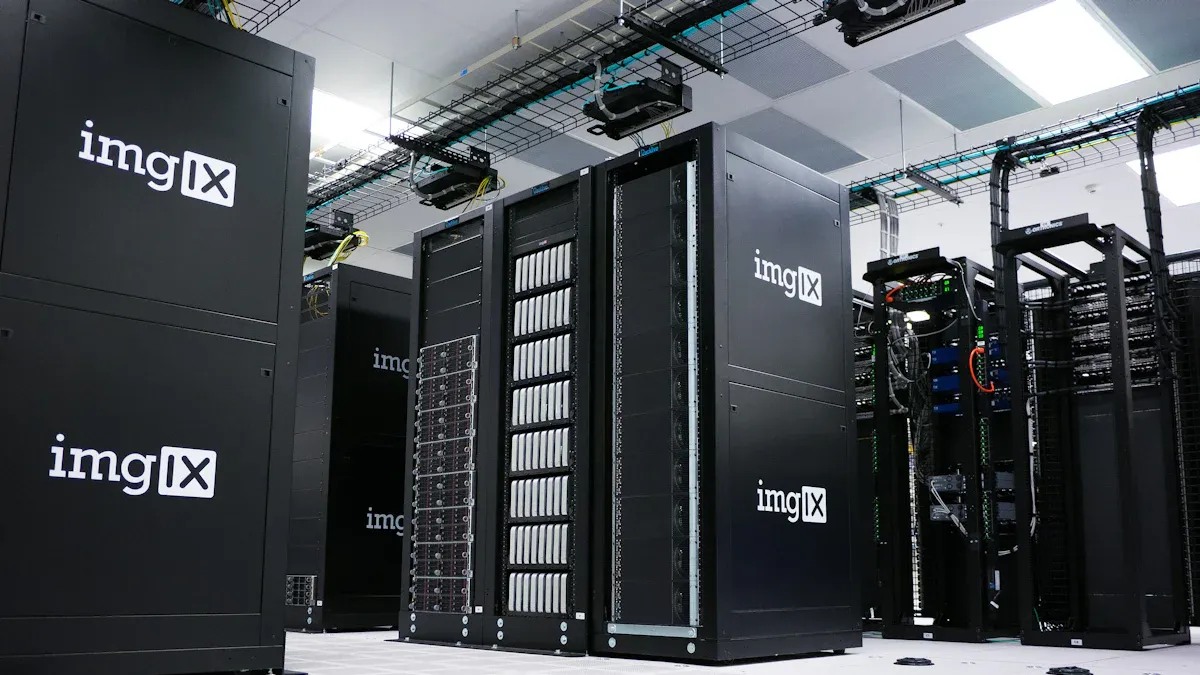
Choosing the right Power Distribution Unit (PDU) and deploying it effectively is a critical first step. I always think about how these choices impact my data center’s efficiency and reliability. It’s not just about getting power to my equipment; it’s about doing it smartly.
Understanding Power Distribution Unit Types and Applications
When I look at PDUs, I see a range of options, each designed for specific needs. For instance, basic PDUs are simple. They just distribute power to my rack-mounted equipment. I find them cost-effective for smaller setups or less critical applications where I don’t need remote monitoring.
Then, I have metered PDUs. These are a step up because they show me real-time power consumption. This data is super helpful for balancing loads and planning capacity. It helps me avoid overloading circuits.
Smart PDUs are even more advanced. They let me monitor and control power remotely through a web interface. I can get alerts for problems, automate tasks, and integrate them with my larger data center management systems. This really boosts efficiency and reliability.
Let me break down the differences a bit more:
| PDU Type | Local Monitoring | Remote Monitoring | Remote Control | Key Function |
|---|---|---|---|---|
| Basic PDU | No | No | No | Distributes power to multiple devices, similar to a power strip. |
| Metered PDU | Yes (current meter) | No | No | Displays real-time load levels locally; no network connection. |
| Monitored PDU | Yes (voltage, power, frequency, load) | Yes (via network) | No | Provides real-time and historical data remotely, with alarm notifications. |
| Switched PDU | Yes (full monitoring) | Yes (full monitoring) | Yes (individual outlets) | Offers full monitoring plus remote on/off control of individual outlets for power management. |
I often choose monitored PDUs for high-density data centers because they give me a comprehensive view of power usage, both locally and remotely. They also offer alarming capabilities for user-defined power thresholds, which helps me improve my Power Usage Effectiveness (PUE). If I need to remotely power cycle equipment or limit power usage, switched PDUs are my go-to.
Strategic Power Distribution Unit Placement in Racks
Where I put my PDUs in the rack makes a big difference for airflow and accessibility. I always aim for placements that don’t block other devices and allow for easy maintenance.
Here are some of my preferred placement strategies:
- Middle: I find placing a PDU in the middle of the rack allows power cords to reach from either the top or bottom. This really helps with cable paths and air movement.
- Rear: Putting PDUs at the rear of the rack simplifies power management and also assists with cable routing and airflow.
- Front: Sometimes, I place a PDU at the front if I need to check and monitor it frequently.
- Vertical Mounting: This is a great option because it saves rack unit space and provides more outlets. It’s perfect for racks with many devices.
- Horizontal Mounting: I use this when I have smaller server racks. It uses 1U or 2U of space and makes outlets easier to reach.
I always make sure my PDUs are easily accessible and don’t obstruct other devices. I also utilize vertical or horizontal mounting to keep my cabling neat. Most importantly, I avoid placing PDUs in positions that block airflow. This ensures proper cooling and prevents overheating. I also select PDU models with appropriate cord exit options, like top or bottom, to match my rack setup and keep cables short and tidy.
Best Practices for Power Cord Management
Effective cable management is crucial for me. It’s not just about aesthetics; it significantly improves airflow, minimizes interference, and makes troubleshooting much simpler. This leads to a more stable and high-performing network infrastructure. It also extends equipment lifespan and reduces energy consumption through better cooling.
Here are some practices I always follow:
- Separate Power and Data Cables: I physically separate power cables from data cables. This prevents electromagnetic interference (EMI) and maintains signal integrity. I route them through different pathways or opposite sides of the rack.
- Employ Horizontal and Vertical Cable Managers: I use dedicated horizontal managers between rack units for patch cables and vertical managers for larger cable bundles. These prevent sag, maintain bend radius, and keep cables clear of cooling vents, ensuring optimal airflow.
- Plan Cable Routes: I determine the routes for power and data cables, always planning to separate them (and copper from fiber) based on entry points.
- Use Velcro Ties and Cable Bundles: I neatly bundle cables with Velcro ties. This makes it easy to add, remove, or replace devices without disturbing others.
- Color-Coded Cables: I use color-coding for power and network connections. This helps me visually differentiate between A/B power supplies or data types like fiber and copper.
- Separate Fiber and Copper: I keep fiber and copper cables on opposite sides of the rack to prevent signal interference.
- Leave Space Between Servers: Proper spacing allows for better airflow and reduces the risk of overheating.
- Use Blanking Panels: I install blanking panels in unused rack spaces. This directs airflow through active equipment, improving cooling efficiency.
- Position Equipment Strategically: I place heavier, power-hungry equipment (like servers) near the bottom and lighter equipment near the top. This optimizes airflow and stability.
Balancing Electrical Loads Across Power Distribution Units
Balancing electrical loads across multiple PDUs in a rack is essential for preventing overloads and ensuring system stability. I always aim to distribute the load evenly.
Here’s how I approach it:
- Determine Power Requirements: I first figure out the power requirements of each device. Then, I distribute the load evenly across both PDUs in a dual power system.
- Utilize Real-time Power Monitoring: I use real-time power monitoring tools to track energy usage. This gives me actionable insights for improved power management.
- Employ Overload Detection: I rely on overload detection features to identify potential issues before they escalate. This ensures efficient power distribution.
- Invest in Advanced Monitoring Systems: For complex PDU setups, I invest in advanced monitoring systems. They offer real-time insights and centralized management.
- Train Staff and Implement Quality Control: I make sure my staff are well-trained in data center policies, especially for dual-corded setups. I also implement quality control measures, like verifying A/B cording and phase balancing.
I find color-coded rack PDUs incredibly helpful. Many data center engineers prefer them because they organize the power infrastructure. This setup helps me easily distinguish between A and B power feeds. It ensures proper load balancing between supply feeds when I install new equipment or perform maintenance. It also makes system maintenance much more intuitive.
In three-phase systems, I balance electrical loads by distributing the equipment power supplies across the three phases (L1/L2, L2/L3, L3/L1). I plug devices sequentially into outlets wired to different phases. For example, the first server connects to L1/L2, the next to L2/L3, and the third to L3/L1, and then the sequence repeats. My goal is to achieve an equal or near-equal number of devices or loads on each of the three phases. Some advanced PDU designs, like certain YOSUN PDU three-phase models, even feature staggered outlet groupings to simplify cabling and improve load balancing efficiency.
Enhancing Data Center Efficiency with Power Distribution Units
Monitoring Real-time Power Consumption with Power Distribution Units
I always keep a close eye on how much power my equipment uses. Real-time power monitoring with my PDUs is a game-changer for me. It gives me better control over power usage, which means more efficiency and lower costs. I can track power at the equipment level and get alerts before problems even start. This helps me improve my data center management. I also find it helps me maintain the right heat, AC, and humidity levels, which is good for the environment. Sometimes, I even remotely turn off unused equipment to save electricity.
Identifying and Eliminating Phantom Load
Sometimes, equipment uses power even when it’s not doing much. I call this “phantom load.” My PDUs help me find these hidden power drains. Sources can include standby servers, inefficient UPS units, or even idling generators. My PDUs have built-in meters that continuously monitor power quality. They can even capture waveforms to help me analyze any power issues. This advanced functionality helps me pinpoint where power is being wasted.
Capacity Planning and Scalability with Power Distribution Unit Data
Planning for the future is key in my data center. I use the data from my Power Distribution Unit to forecast how much power I’ll need. A method called Probabilistic Systematic Processing helps me predict demand and avoid power issues. It looks at past usage patterns to identify rising needs. This way, I can scale my infrastructure without worrying about disconnections.
Leveraging Environmental Monitoring via Power Distribution Units
My PDUs don’t just handle power; they also help me keep an eye on the environment inside the rack. I connect sensors for temperature, humidity, and airflow directly to them. A Smart Rack Controller can even link up to many of these sensors. This gives me a full picture of the rack’s health. It helps me make sure everything stays cool and runs smoothly.
Ensuring Reliability and Uptime with Advanced Power Distribution Unit Features
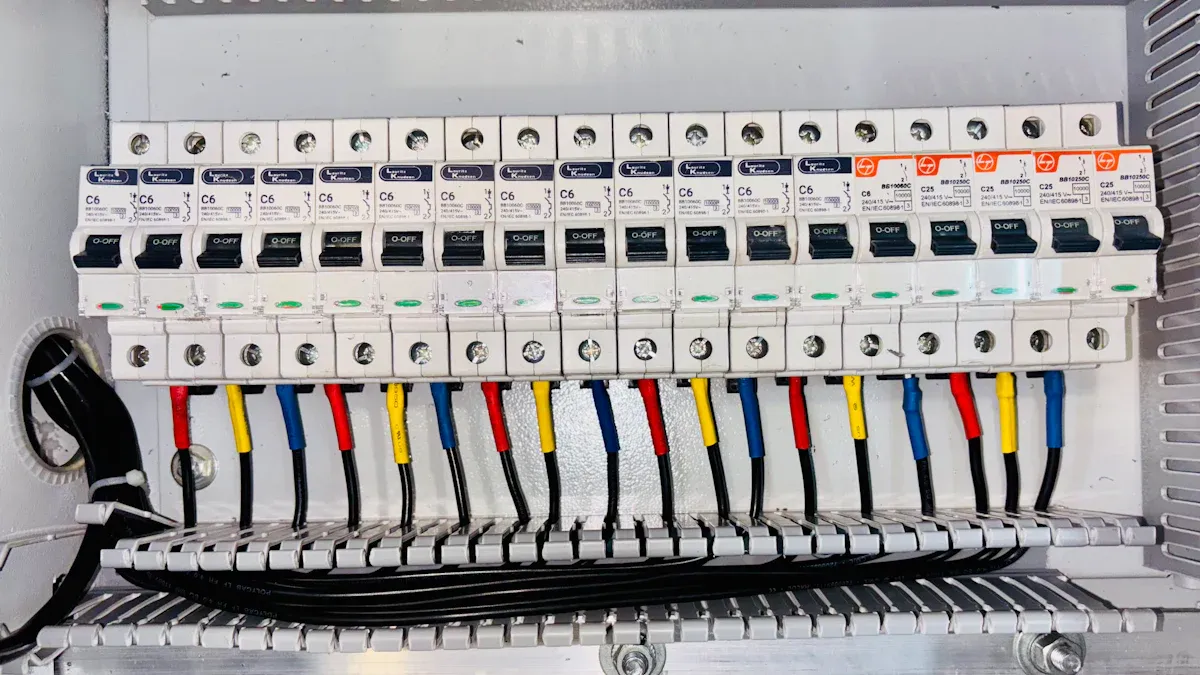
I know that keeping my data center running smoothly is my top priority. Advanced Power Distribution Unit features are essential for achieving high reliability and continuous uptime. These features help me prevent outages and respond quickly when issues arise.
Implementing Redundant Power Paths (A/B Feeds)
I always prioritize redundant power paths, often called A/B feeds, to ensure my systems never go down. This setup means I have two independent power sources for my critical equipment. If one source fails, the other immediately takes over.
For me, dual feed PDUs are crucial for maintaining business continuity during power failures. They offer N+1 redundancy, which guarantees uninterrupted operations. This happens through automatic switching to a secondary power source if the primary one fails. This rapid response capability ensures system availability. Independent electrical feeds provide a reliable backup. They protect my equipment from power fluctuations and reduce downtime. These features are vital for high-density server environments where even brief outages can cause significant disruptions. This safeguards my business from financial losses and reputational damage.
I find several advantages to implementing A/B feed configurations:
- N+1 Redundancy: This ensures a continuous power supply. One source can take over if another fails.
- Automatic Transfer Switching: This facilitates seamless transitions between power sources during failures. It maintains uptime.
- Redundant Power Supply: This eliminates single points of failure. It enhances system reliability and uptime.
- Improved Airflow: This reduces cable clutter. It minimizes overheating risks and maintains optimal performance.
When I compare dual input PDUs with single input PDUs, the benefits of redundancy become very clear:
| Feature | Dual Input PDUs | Single Input PDUs |
|---|---|---|
| Redundant Power Supply | Provides N+1 redundancy for uninterrupted power. | Lacks redundancy; single source. |
| Automatic Transfer Switching | Automatically switches between power sources. | No automatic switching feature. |
| Space Efficiency | Combines two PDUs into a single chassis. | Typically requires more space. |
| Monitoring and Management | Advanced monitoring capabilities available. | Limited or no monitoring. |
Dual power sources are essential for operational stability in my modern data center. They connect to dual input Power Distribution Units to significantly reduce downtime during power failures. If one feed fails, the other instantly takes over. This ensures uninterrupted operations. This redundancy is critical in high-density server environments where even brief outages can disrupt services. Automatic transfer switching allows for seamless transitions without manual intervention. Additionally, dual power sources support load balancing. This reduces strain on components and enhances overall system efficiency. Features like real-time energy monitoring and remote management enable tracking energy consumption and prompt response to power issues. This ensures scalability and adaptability without compromising reliability. Dual PDUs also contribute to sustainable operations by optimizing power distribution and reducing energy waste. This makes them a vital component for safeguarding my IT infrastructure and maintaining uptime.
I also consider industry standards for redundancy. For example, Tier III data centers aim for 99.982% availability with N+1 redundancy. Tier IV data centers achieve 99.995% availability with 2N or 2N+1 redundancy. This means they have duplicated critical components for fault tolerance.
- N+1 configuration: This provides one additional backup component for every critical system. It ensures a single failure does not impact operations.
- 2N configuration: This duplicates the entire power infrastructure. It offers complete system replication for maximum resilience.
I understand these redundancy levels:
- N Redundancy: This represents the minimum required components to operate at full capacity. It has no backup. This leads to downtime upon component failure.
- N+1 Redundancy: This is the most common level. It provides one backup component for every ‘N’ component. Downtime can still occur if two or more components fail simultaneously.
- N+2 Redundancy: This offers higher fault tolerance with two backup components for every ‘N’ component. It allows for two component failures without downtime.
- 2N Redundancy: This is the highest level, also known as ‘fully fault-tolerant.’ The data center has two complete sets of components. This ensures operation even if an entire set fails.
Proactive Alerting and Notification Systems for Power Distribution Units
I rely heavily on proactive alerting and notification systems for my PDUs. These systems tell me about potential power issues before they become major problems. This allows me to act quickly and prevent downtime.
My PDU alerting systems are configured to detect critical power events like:
- Voltage fluctuations
- Harmonics
- Transients
- Current variations
When any of these events occur, I receive immediate notifications. This helps me diagnose and resolve issues before they impact my operations.
Integrating Power Distribution Units with DCIM Solutions
I integrate my PDUs with Data Center Infrastructure Management (DCIM) solutions. This gives me a centralized view of my entire data center’s power infrastructure. It helps me manage everything more efficiently.
Common communication protocols I use for this integration include:
- SNMP (v1, v2, v3): This protocol is widely used for monitoring IT hardware, including intelligent PDUs. It operates on a manager/agent model. Agents on devices like PDUs collect data in a Management Information Base (MIB) and send alerts (traps) to a central manager (DCIM). Its strengths include ubiquitous support, standardized data models, and real-time alerts.
- Modbus (RTU and TCP/IP): This is an industrial communication protocol. Modbus is a staple in data centers for connecting power and operational technology (OT) equipment. While it connects UPS systems, generators, and switchgear, it is ideal for integrating facilities and power layers. It uses a client/server architecture and comes in RTU (serial) and TCP (Ethernet) flavors. Its key strengths are simplicity, robustness, and wide support in industrial equipment.
This integration allows me to monitor power consumption, manage capacity, and respond to alerts all from a single platform.
Exploring Smart Power Distribution Units and AI-Driven Management
I am always looking for ways to make my data center smarter. Smart PDUs and AI-driven management are the next big step. They offer advanced capabilities that go beyond traditional power distribution.
Here’s how smart PDUs differ from basic ones:
| Feature | Smart PDU | Basic PDU |
|---|---|---|
| Metering | Unit, inlet, or outlet level | No |
| Network Interface | Yes, for remote access | No |
| Remote Management | Yes, power actions from anywhere | No |
| Environmental Sensors | Yes, collects various data | No |
| Firmware Updates | Yes, for enhancements | No |
| SNMP Trap Notifications | Yes, alerts based on conditions | No |
| Security Management | Yes, secure access features | No |
| Function | Advanced power distribution, real-time monitoring, load statistics, alarm functions | Basic power distribution |
| Monitoring Capability | Remote monitoring available | No monitoring capabilities |
| Control Capability | Remote control features | No control capabilities |
| Alarm Function | Automatic alarms for threshold breaches | Typically lacks alarm functions |
| Applicability | Suitable for large data centers needing reliability and efficiency | Best for small or traditional data centers |
| Cost | Higher due to advanced features | Lower, budget-friendly |
| Enhanced Energy Monitoring | Yes | Limited |
| Real-time Data Analytics | Yes | No |
| Outlet-level Control | Yes | No |
| Cascading Management | Yes | No |
| Integration with DCIM Systems | Yes | No |
| Scalability | High | Limited |
- Advanced metering for high accuracy and trending.
- Remote management through web, SNMP, SSH, or REST APIs.
- Analytics and reporting for better resource management.
- Overload protection and automatic alerts.
- Flexible installation and customizable options.
They also provide:
- Real-time metering of voltage, current, power, energy, and power factor.
- Remote access and control through web interfaces, SNMP, SSH, and APIs.
- Switching capabilities for remote power cycling of individual outlets.
- Integration with management systems for centralized oversight.
- Environmental monitoring with sensors for temperature and humidity.
- Monitoring of circuit breakers and alerts for trips.
- Tracking of UPS status to ensure backup power availability.
- Support for remote power cycling, emergency power off, and security features.
- Out-of-band communication for access even if the main network fails.
AI-driven management takes this a step further. It uses machine learning to analyze PDU data. This helps me predict potential failures, optimize power usage, and even automate responses. This level of intelligence helps me maintain maximum uptime and efficiency in my data center.
I’ve learned that managing my Power Distribution Unit effectively is super important for a strong, efficient, and growing data center. Knowing different PDU types, where to put them, and using their smart features really makes things run better. Focusing on smart PDU management keeps my IT gear safe and always working.
FAQ
What is the main difference between a metered PDU and a monitored PDU?
I see metered PDUs show me power usage locally. Monitored PDUs, however, let me check power data remotely. They also send me alerts.
Why is A/B feed redundancy so important in my data center?
A/B feed redundancy gives me two power sources. If one fails, the other takes over instantly. This keeps my systems running without interruption.
How do smart PDUs help me save energy?
Smart PDUs let me monitor power in real-time. I can identify wasted energy and even remotely turn off unused equipment. This helps me save electricity.
Post time: Dec-15-2025


